A podcast can help some people fall asleep, but it can also hurt podcast sleep quality if it keeps playing, becomes stimulating, or causes discomfort overnight. The key distinction is between sleep onset—how easily you drift off—and sleep maintenance—how well you stay asleep and feel restored the next day.
Calm, familiar spoken audio at a low volume with a short timer may be a useful wind-down cue. Suspenseful episodes, changing ads, autoplay, notifications, and earbuds worn through the night can create interruptions that are easy to overlook. The practical question is not whether bedtime audio is universally good or bad, but whether your setup helps you settle without undermining the rest of the night.
Key Takeaways
- A podcast may help with racing thoughts at sleep onset while still disrupting sleep later if it continues or changes unexpectedly.
- Familiar, low-stakes content is generally less likely to hold attention than new, emotional, fast-paced, or suspenseful shows.
- Use the lowest comfortable volume, a sleep timer, disabled autoplay, and nighttime notification settings.
- A speaker may avoid ear pressure, while earbuds and headphones can add comfort, hygiene, and practical safety concerns.
- Track your sleep for a week to learn whether bedtime audio is helping your own routine.
Why podcasts can feel helpful at bedtime
For many people, bedtime is difficult because mental activity becomes more noticeable once the day quiets down. Worries, planning, replaying conversations, and clock-watching can keep attention activated. Low-demand spoken audio can give the mind something neutral to rest on, making it easier to step away from repetitive thoughts.
Familiarity often matters more than the category of podcast. An episode you have heard before, a gentle interview format, or a calm narrator may require little active attention. A new mystery, heated debate, comedy show, or detailed educational episode may do the opposite by inviting you to follow the plot or wait for the next point.
Audio can also fit a screen-free bedtime routine if it is prepared before you get into bed. Choose the episode, set the timer, start playback, and put the phone away. In that setup, the device functions as an audio player rather than an ongoing source of messages, headlines, and scrolling.
Still, bedtime podcasts are not a proven sleep solution for everyone. Sound sensitivity, stress, household noise, sleep schedules, and a tendency to wake easily all affect whether audio feels soothing or disruptive.
When audio before bed may disrupt sleep instead
The same program that distracts you at the start of the night can become disruptive later. Sleep changes across the night, and a sound that fades into the background when you are very tired may become more noticeable during lighter sleep or after a brief awakening.
Content is a major variable. True crime, breaking news, arguments, emotionally intense stories, energetic comedy, music-heavy shows, and rapid discussions can all be more activating than expected. Even pleasant content can keep you awake if you are curious about what happens next.
Unexpected changes are especially likely to interfere. Autoplay can turn one calming episode into hours of unfamiliar voices and topics. Ads may sound different from the main program, a queued episode may have a sharper tone, or the next host may speak faster. Those shifts can re-engage attention even if you do not fully awaken enough to remember them.
Notifications are a separate problem from spoken audio itself. Vibrations, message sounds, bright lock screens, and checking a phone in bed can interrupt the transition to sleep. If you use audio before bed, reducing these interruptions may matter as much as choosing the right show.
Volume also deserves attention. A level that feels acceptable at bedtime may become intrusive after several hours. Keep sound at the lowest level that is still easy to hear, rather than turning it up to overpower traffic, television, or other background noise.
The central trade-off is simple: a podcast may help you fall asleep sooner while still fragmenting sleep later. If you wake unrefreshed, remember repeated awakenings, or regularly find audio still playing in the morning, the routine is worth adjusting.
Speaker, earbuds, or sleep headphones: choose the lowest-risk setup
There is no universally best device for bedtime listening. Consider comfort, the needs of anyone sharing the room, whether playback stops automatically, and how likely the setup is to disturb you after sleep begins.
A bedside speaker avoids placing anything in or against the ear. That can be more comfortable for side sleepers than standard earbuds or over-ear headphones. Its drawbacks are that it may disturb a bed partner, remain audible longer than intended, or lead you to raise the volume to compete with other noise.
A pillow speaker can keep audio more localized, though comfort and sound quality vary. It may be useful when a room speaker is impractical, but it still needs low volume and a reliable timer. Localized sound does not prevent disruption if it plays all night.
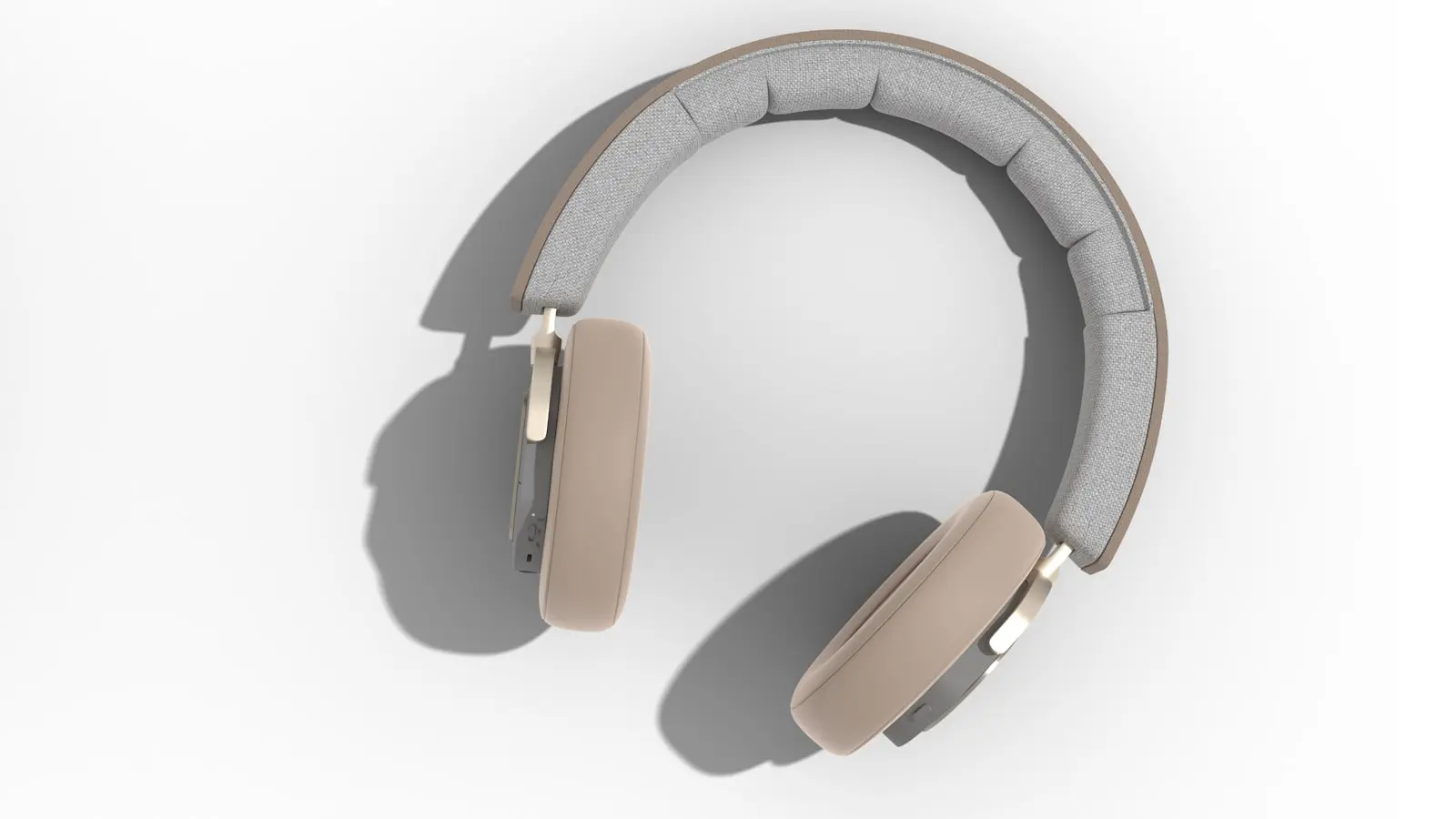
Standard earbuds can be convenient but may press on the ear canal or outer ear, especially for side sleepers. Discomfort, irritation, moisture buildup, tangling with wired models, and repeated dislodging are all practical concerns. Standard over-ear headphones can also create pressure against a pillow.
Purpose-built sleep headphones may feel flatter and softer than regular headphones. That may improve comfort for some people, but it does not make overnight listening risk-free. Low volume, clean equipment, automatic shutoff, and sensible battery practices still matter.
Avoid sleeping with a device charging in the bed or under bedding. Keep cables arranged to reduce tangling, follow the manufacturer’s use instructions, and consider whether you need to hear an alarm, a child, a smoke alarm, or another household sound.
For many people, a low-volume speaker positioned near—but not directly beside—the bed is a sensible starting point. If that is not practical, choose the most comfortable option that allows playback to stop automatically rather than assuming any headphone style is ideal for overnight use.
A better podcast sleep routine: content, timer, volume, and phone settings
Start with content that is calm, familiar, and low stakes. A softly narrated program, a familiar voice, or an episode you do not feel compelled to finish may work better than a new series. If you stay awake to follow the discussion, the content is probably too engaging for bedtime.
Use a podcast sleep timer rather than leaving playback open-ended. The best setting is individual: it should be long enough to support your usual wind-down but short enough to reduce the chance that audio continues deep into the night. There is no single timer length that works for everyone.
Turn off autoplay if your app allows it. Check the playback queue as well, since saved episodes, downloaded content, ads, updates, and settings can affect what happens after an episode ends. Test the timer while awake so you understand whether it stops playback completely.
Set the volume before getting into bed and avoid repeatedly turning it up. If outside noise makes quiet listening difficult, consider addressing the environment instead of increasing spoken audio. A consistent fan sound, changes to the room setup, or another predictable adjustment may be less distracting than loud voices overnight.
Enable Do Not Disturb, Sleep Focus, or an equivalent setting. Then select the episode and timer before bed, start playback, and place the phone face-down or out of reach. This keeps the routine screen-free without requiring you to give up audio entirely.
Test whether the habit helps your own sleep over one week
A seven-night experiment can reveal more than judging your routine after one stressful or unusually tiring evening. It cannot diagnose a sleep disorder, but it can help you identify patterns and make practical changes.
For the first part of the week, keep bedtime and wake time as consistent as practical. Use one familiar, low-stimulation audio choice with the same device setup, low volume, and timer each night. In the morning, note your estimated time to fall asleep, remembered awakenings, whether audio was still playing, how rested you feel, and any daytime sleepiness or concentration problems.
If feasible, include a few no-audio nights for comparison. Do not expect every night to look identical: stress, illness, exercise, alcohol, room temperature, and noise can all affect sleep. Look for repeated patterns rather than a perfect answer.
Change only one variable at a time. Keep the same show but shorten the timer, for example, or keep the timer and switch from earbuds to a speaker. This makes it easier to tell whether the issue is content, volume, device comfort, or ongoing playback.
If audio feels like the only way you can sleep, do not treat that as a failure. Gradually add other wind-down cues, such as reading a paper book, gentle stretching, paced breathing, writing down tomorrow’s tasks, or following a consistent low-light routine. The goal is to have more than one way to settle down.
Persistent trouble sleeping, meaningful daytime impairment, or regular reliance on audio despite poor sleep are reasonable reasons to discuss the issue with a clinician. Seek assessment for loud habitual snoring, gasping, observed breathing pauses, or other concerning nighttime symptoms, since a podcast routine cannot address every cause of disrupted sleep.
FAQ
Does falling asleep to podcasts improve podcast sleep quality?
Not necessarily. A podcast may shorten the time it takes to fall asleep while reducing sleep quality later if it continues playing, changes unexpectedly, or causes discomfort. Calm familiar content, low volume, and a timer are more likely to support a balanced routine than all-night autoplay.
Is it safe to sleep with headphones or earbuds in?
No headphone type should be considered universally risk-free for overnight use. Earbuds and standard headphones can create pressure or irritation, particularly for side sleepers, while wired devices and charging equipment add practical concerns. A speaker or pillow speaker may be more comfortable for some people, but volume and automatic shutoff still matter.
What is the best podcast sleep timer setting?
Use the shortest setting that still lets you settle naturally. Choose a duration based on your usual wind-down time, then test it consistently for several nights. If you often wake with audio still playing, shorten the timer and review autoplay and queue settings.