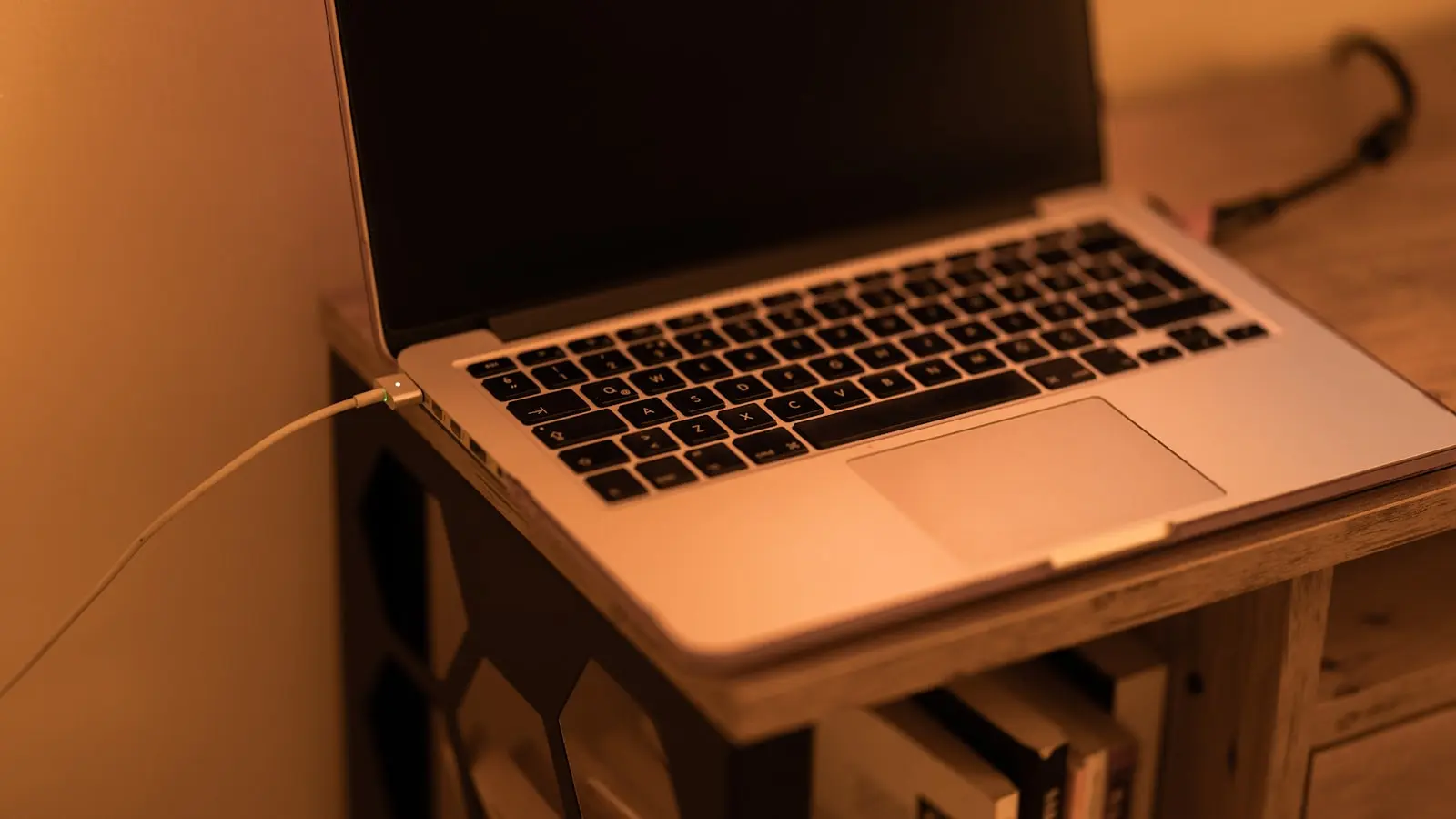
Millions of remote workers tether their premium ultrabooks to high-wattage docking stations, transforming highly portable machines into fixed desktop replacements. This permanent umbilical connection pushes the internal lithium-ion battery to maximum capacity and holds it there for weeks or months. Hardware documentation from major manufacturers confirms this behavior fundamentally damages long-term battery health. When users finally detach these machines for travel, they face severe capacity drain. The laptop dies in an hour.
Consumers often misunderstand the mechanics of modern power delivery. The assumption dictates that modern hardware prevents overcharging. This assumption holds true, but it misses the actual mechanism of degradation. When a lithium-ion battery reaches 100 percent capacity, internal power management integrated circuits physically sever the charging current. The laptop then bypasses the battery, drawing alternating current directly from the wall adapter. Overcharging does not destroy the battery. The resting state does.
The Chemistry of High-Voltage Stress
Holding a lithium-ion cell at its maximum voltage limit inflicts continuous chemical stress. Lithium-ion batteries function by moving lithium ions between a graphite anode and a lithium cobalt oxide cathode. At 100 percent charge, the voltage reaches approximately 4.2 volts per cell. This represents the absolute maximum pressure the internal chemistry can sustain safely.
Maintaining this maximum voltage accelerates the breakdown of the electrolyte and degrades the structural integrity of the cathode. The battery permanently loses its ability to store electrons. Capacity drops.
Engineers measure battery health through cycle counts and depth of discharge, but calendar aging at high voltage remains a dominant factor in premature battery death. A battery sitting at 100 percent charge in a room-temperature environment loses roughly 20 percent of its maximum capacity within a single year. (This happens without the user ever unplugging the device).
Micro-Cycles and Thermal Saturation
The damage mechanism accelerates when thermal dynamics enter the equation. High-performance laptops generate substantial heat during regular operation. Heavy spreadsheet calculations, video rendering, or sustained multitasking routines saturate the internal cooling pipes. Heat bleeds into the chassis.
The battery sits millimeters away from these heat sources. Elevated temperatures act as a catalyst for the parasitic chemical reactions occurring inside a fully charged cell. Heat and high voltage tear apart lithium cells.
Furthermore, permanent docking induces micro-cycling. Even when a laptop runs off wall power, slight natural discharge occurs. When the battery drops to 99 percent, the charging controller detects the deficit. It re-engages the power delivery protocol, pushing the battery back to 100 percent. This cycle repeats endlessly. Each micro-cycle generates additional heat and micro-wear on the chemical structure.
Software Interventions and UI Friction
Hardware manufacturers recognize this hardware toll. They mitigate the physical limitations of lithium-ion chemistry through software intervention layers. These built-in management tools intercept the hardware controller and artificially halt the charge state at a lower threshold, usually 80 percent.
Battery chemistry dictates that resting near nominal voltage dramatically reduces internal resistance. Capping the charge at 80 percent drops the per-cell voltage from 4.2V down to roughly 3.9V. This slight reduction in electrical pressure halts the rapid calendar aging.
The industry approaches this solution through heavily fragmented software ecosystems.
- Apple Optimized Battery Charging: Integrates directly into macOS. Uses machine learning to analyze user routines. It holds the charge at 80 percent and only pushes to 100 percent just before the user unplugs.
- Lenovo Conservation Mode: Buried within the Lenovo Vantage utility. Hard-caps the battery charge at 75 to 80 percent.
- Dell Power Manager: Offers granular control, allowing users to define exact start and stop charging thresholds.
- Asus MyASUS: Provides a maximum lifespan mode that rigidly limits charge to 60 percent for permanently docked machines.
The effectiveness of these tools remains heavily bottlenecked by user interface friction. Apple enables its adaptive system by default, but its reliance on predictive algorithms often fails users with erratic schedules. Windows manufacturers frequently hide these crucial hardware preservation toggles deep within proprietary bloatware applications. Users must hunt through multiple sub-menus to locate Lenovo Vantage or Dell Power Manager settings. Most consumers never find them.
(Manufacturers should enable 80-percent limits via BIOS by default for any machine connected to power for more than 48 hours).
The Economics of Repairability
Ignoring software limiters completely alters the cost-to-performance ratio of the hardware. The era of modular, easily swappable laptop batteries ended a decade ago. Modern laptop architectures prioritize thinness over repairability. Batteries occupy the maximum available internal volume and adhere directly to the aluminum or magnesium chassis using industrial-grade adhesives.
Replacing a degraded battery requires significant capital and technical risk. Technicians must disassemble the lower chassis, disconnect fragile ribbon cables, and inject chemical solvents under the battery pouches to dissolve the glue.
A swollen battery—the end-stage symptom of high-voltage thermal degradation—presents a severe operational hazard. Expanding lithium-ion pouches press against the underside of the trackpad and motherboard. Laptops permanently docked at 100 percent charge experience battery swelling at significantly higher rates than devices kept near 50 percent capacity. When the trackpad stops clicking, the chemical damage has already compromised the physical chassis.
Performance Throttling and Power Delivery
Battery degradation eventually impacts direct computing performance. Modern mobile processors utilize aggressive boost clocks to handle sudden workloads. When the CPU spikes to maximum frequency, it draws rapid, intense transient power spikes.
Wall adapters occasionally fail to meet these millisecond-level power demands instantly. The system relies on the internal battery to smooth out power delivery and absorb these transient spikes. A heavily degraded battery exhibits high internal electrical resistance. It fails to deliver the required supplemental current.
When the power management system detects this resistance, it forces the system to downclock. Laptops throttle CPU speeds to prevent unexpected system shutdowns during heavy loads. A destroyed battery limits performance even when the machine remains plugged into the wall.
Execution and Hardware Management
Protecting hardware investments requires active power management. Relying on default operating system behaviors guarantees accelerated chemical wear.
Users operating laptops as permanent desktop replacements must execute the following hardware constraints:
- Locate the manufacturer-specific power utility software.
- Enable the strict charge limiter, completely disabling adaptive or predictive algorithms.
- Cap the maximum charge between 60 and 80 percent.
- Elevate the laptop chassis using a stand to increase ambient airflow and reduce thermal saturation around the battery cells.
Specs matter only if the hardware survives long enough to utilize them. A premium ultrabook packing flagship processors becomes effectively useless on the road if it cannot hold a charge for more than an hour. Managing voltage limits through software ensures the chemical components survive the lifespan of the silicon.