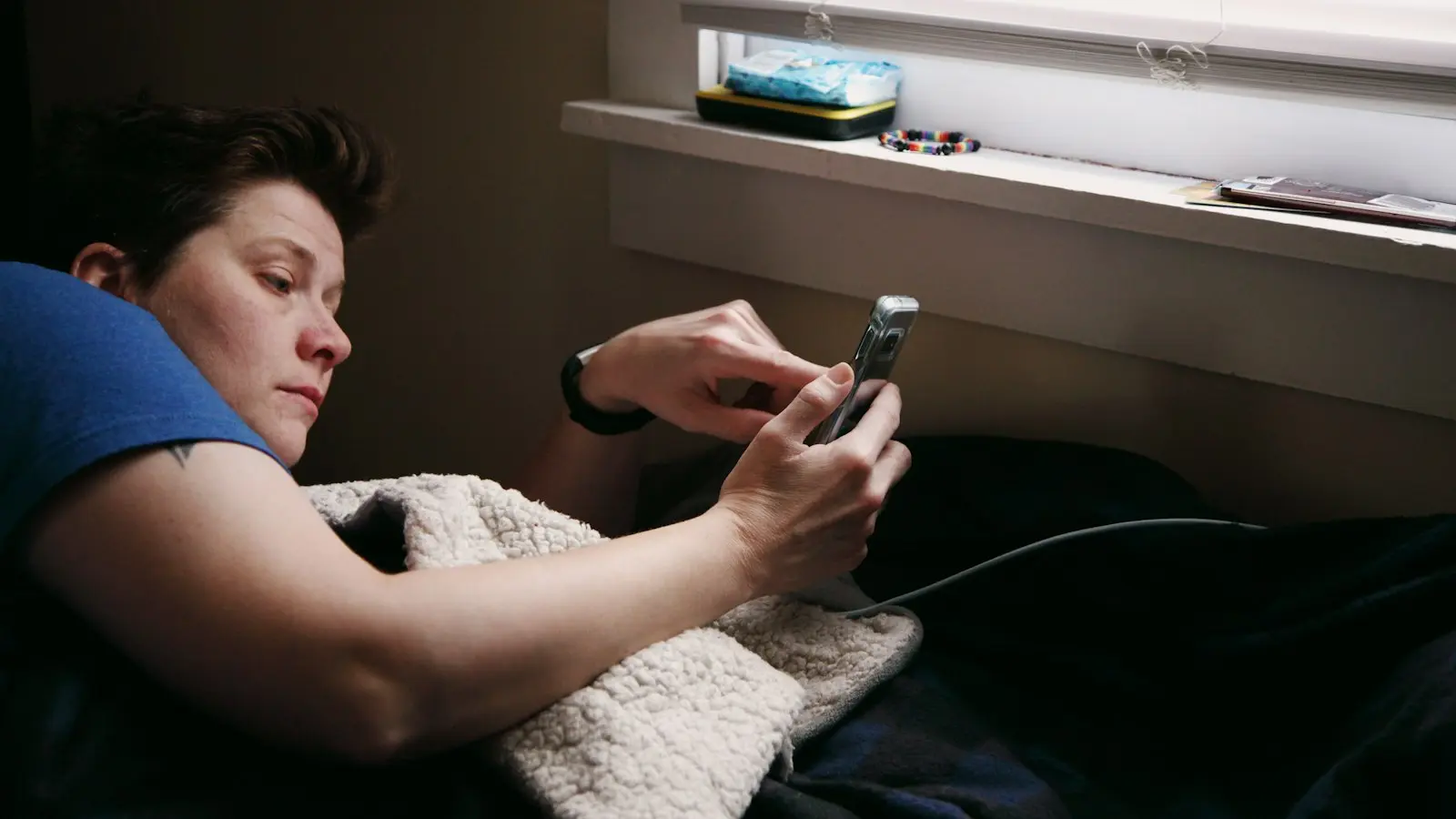
Late-night screen use can make it harder to fall asleep, but blue light is only one part of the problem. Bright light may affect the body’s timing signals, while stimulating content, notifications, delayed bedtime, and habitual checking can keep the brain alert.
The most useful approach is usually targeted: reduce brightness, move demanding activities earlier, silence unnecessary alerts, protect enough time for sleep, and replace the final minutes with a repeatable wind-down routine. You do not necessarily need a total screen ban, especially if you rely on a phone or computer for work, caregiving, communication, or accessibility.
Key Takeaways
- Late-night screens can disrupt sleep through light exposure, mental stimulation, notifications, habitual checking, and delayed bedtime.
- Night mode and blue-light filters may reduce some short-wavelength light, but they do not solve every cause of sleep disruption.
- Start with a realistic screen cutoff, lower brightness, quieter notifications, and less stimulating content rather than aiming for a perfect ban.
- A consistent, low-stimulation wind-down routine can make the transition from screen use to sleep easier.
- Persistent sleep difficulty, significant daytime impairment, loud snoring, or gasping during sleep warrants medical assessment.
Understand what is keeping you awake
Screens can affect sleep through several overlapping pathways. A bright or blue-enriched display in the evening may provide a light signal that is inconsistent with the body’s natural preparation for sleep. This may matter more when the screen is close to the face, the room is otherwise dark, or the device is used for a long period.
However, light is not the only explanation for poor sleep after screen time. A tense work email, an upsetting news story, competitive gaming, social conflict, or an engaging video can increase alertness independently of the display’s color. Even a dim screen can prolong wakefulness if it encourages problem-solving, emotional reactions, or repeated checking.
Bedtime delay is another important factor. Someone may plan to use a phone for ten minutes but continue scrolling until the available sleep window becomes shorter. In that situation, the main issue may be insufficient opportunity for sleep rather than the screen’s direct effect on the brain.
Notifications and anticipation can also interfere. If you expect a message, hear an alert, or repeatedly check whether something new has arrived, your attention remains oriented toward the device. Over time, this can become an automatic habit even when the content is not especially interesting.
Start by identifying your strongest trigger. If you feel physically alert under a bright display, prioritize light reduction. If you become absorbed in content, change what you do and when you do it. If messages keep you checking, adjust notifications. If you simply run out of time for sleep, focus on protecting bedtime.
Set a realistic screen cutoff and protect bedtime
There is no single screen-free interval that works for every person or schedule. A practical starting point is to choose a cutoff that leaves enough time for a consistent sleep hygiene routine, then adjust it according to what happens to your sleep. The goal is not a perfect rule; it is a repeatable transition from activity to rest.
If stopping all screen use feels unrealistic, begin with a shorter device-free period. For example, you might protect the final 15 to 30 minutes before bed, then extend that interval if it is manageable and sleep remains difficult. A smaller change that you follow consistently is often more useful than an ambitious plan that lasts only a few nights.
Move demanding activities earlier whenever possible. Work tasks, emotionally difficult conversations, intense gaming, breaking news, and highly engaging social media are more likely to delay sleep than a familiar, low-stimulation activity. Setting a personal “last demanding task” time can be more realistic than eliminating every form of screen use at once.
Also protect the time you intend to sleep. A device can be dim and still be disruptive if it causes you to postpone going to bed. Set an alarm for the beginning of your wind-down period rather than only an alarm for the morning. This creates a prompt to finish essential tasks before late-night decision-making becomes harder.
For shift workers, caregivers, people with irregular schedules, or those who need nighttime accessibility tools, the cutoff may need to be flexible. In those cases, focus on reducing the most stimulating and least necessary screen use while preserving essential communication and safety functions.
Reduce light exposure without overestimating night mode
Lowering screen brightness is a sensible first step. Use the least bright setting that remains comfortable and practical, and avoid placing a bright display in an otherwise dark room. A lamp with gentle, indirect light may be more comfortable than relying on a highly illuminated screen as the only light source.
Night mode, warm-color settings, and blue-light filters can reduce some short-wavelength light from a device. They may be useful, particularly when you must use a screen late, but they do not remove every pathway through which screen use can affect sleep. They cannot prevent delayed bedtime, emotionally activating content, notifications, or compulsive checking.
The evidence around blue-light filters and their effect on sleep is not a reason to treat them as a complete solution. Their impact may depend on brightness, duration, the type of activity, individual sensitivity, and timing. A warm display is still a screen, and a comfortable color setting can sometimes make it easier to continue using the device longer.
Use night mode as one layer of a broader plan. Turn it on automatically in the evening, lower brightness, enlarge text if that lets you hold the device farther away, and avoid using the phone inches from your face. Then address the content and timing of use as well.
Control stimulation, notifications, and automatic checking
Notification controls are among the most targeted changes for late-night phone use. Use Do Not Disturb, sleep mode, or a scheduled notification setting during your intended sleep period. If you need to remain reachable, allow calls or messages from genuinely important contacts rather than keeping every alert active.
Silence vibration as well as sound if the phone is close enough to move or light up your attention. Consider disabling message previews on the lock screen so an alert does not immediately reveal an emotionally engaging subject. Prepare alarms, accessibility features, and essential reminders before you begin winding down.
A consistent device parking place can reduce automatic checking. This might be a table across the room, a charging station near the bedroom door, or another location that is easy to reach when necessary but not within constant arm’s reach. If the phone is also your alarm, place it far enough away to discourage casual scrolling while keeping it accessible for safety needs.
Change the design of the final screen period. Disable autoplay, remove especially tempting apps from the home screen, and avoid switching rapidly among activities. If you need audio, a familiar audiobook or calming music may be less activating than an interactive feed, although any content that keeps you emotionally engaged can still delay sleep.
Accessibility needs should shape the plan rather than be treated as an exception. Screen readers, captions, magnification, communication tools, and nighttime safety functions may be essential. The aim is to reduce unnecessary stimulation while keeping the features that support independence and well-being.
Replace the final minutes with a repeatable wind-down routine
A short wind-down routine gives your brain a predictable sequence that does not depend on feeling perfectly tired at a precise time. First, finish essential device tasks such as setting an alarm, answering a necessary message, or checking a caregiving update. Then dim the environment, complete personal care, and move to a quiet activity.
The non-screen activity could include light reading, gentle stretching, breathing exercises, preparing clothing for the next day, or listening to familiar audio. Choose something that feels calming rather than productive or emotionally demanding. The purpose is to reduce stimulation, not to create another performance task.
Keep the order and approximate timing similar most nights. Consistency can make the transition easier because the routine becomes a cue for sleep. It does not need to be elaborate; a sequence of five or six simple steps is enough if you can repeat it.
If you cannot fall asleep, avoid repeatedly checking the clock or returning to highly stimulating content. Clock-watching can increase worry about how much sleep remains. Instead, use a quiet, low-light activity for a while and return to bed when you feel sleepier. If this happens often, the pattern deserves more attention rather than simply adding more screen restrictions.
A practical graduated plan might look like this:
- Set a bedtime reminder and choose a modest initial screen cutoff.
- Complete essential messages, alarms, and accessibility tasks before that cutoff.
- Turn on night mode, lower brightness, and avoid a bright screen in a dark room.
- Silence nonessential notifications and place the device in a consistent location.
- Replace the final minutes with the same quiet, low-stimulation routine.
- After several nights, decide which part helped and whether the cutoff should be extended.
When should ongoing sleep problems be assessed?
Occasional difficulty falling asleep after late-night screen use is common, but persistent problems should not automatically be blamed on a device. Seek medical advice if sleep difficulty continues despite reasonable changes, causes substantial daytime sleepiness or impaired concentration, or begins to interfere with work, school, mood, or safety.
Loud snoring, repeated gasping or choking during sleep, witnessed breathing pauses, unusual nighttime movements, or waking unrefreshed can point to problems that need professional assessment. These symptoms do not establish a diagnosis by themselves, but they are reasons to discuss sleep with a qualified clinician.
A clinician can also help when worry, low mood, pain, medication effects, shift work, or another health issue may be contributing. General sleep-hygiene advice is useful, but it is not a substitute for individualized evaluation when symptoms are persistent or significant.
FAQ
Is night mode enough to improve sleep after screen time?
Usually, it should be treated as one helpful setting rather than a complete solution. Night mode may reduce some short-wavelength light, but it does not address stimulating content, notifications, automatic checking, or a bedtime delayed by continued use. Combine it with lower brightness, a protected sleep window, and a calmer final activity.
How long should I stop using my phone before bed?
There is no universal interval that guarantees better sleep. Start with a realistic device-free period that you can follow consistently, such as the final 15 to 30 minutes, and extend it if needed. If a full cutoff is not possible, stop demanding or emotionally activating content earlier and keep essential use brief.
What should I do if I need to use a phone or laptop late at night?
Keep only essential tasks, lower the brightness, use a warm-color setting, and avoid using a bright display in a dark room. Silence nonessential alerts, disable autoplay, and move demanding work earlier when possible. Once the necessary task is complete, switch promptly to a short, repeatable wind-down routine.