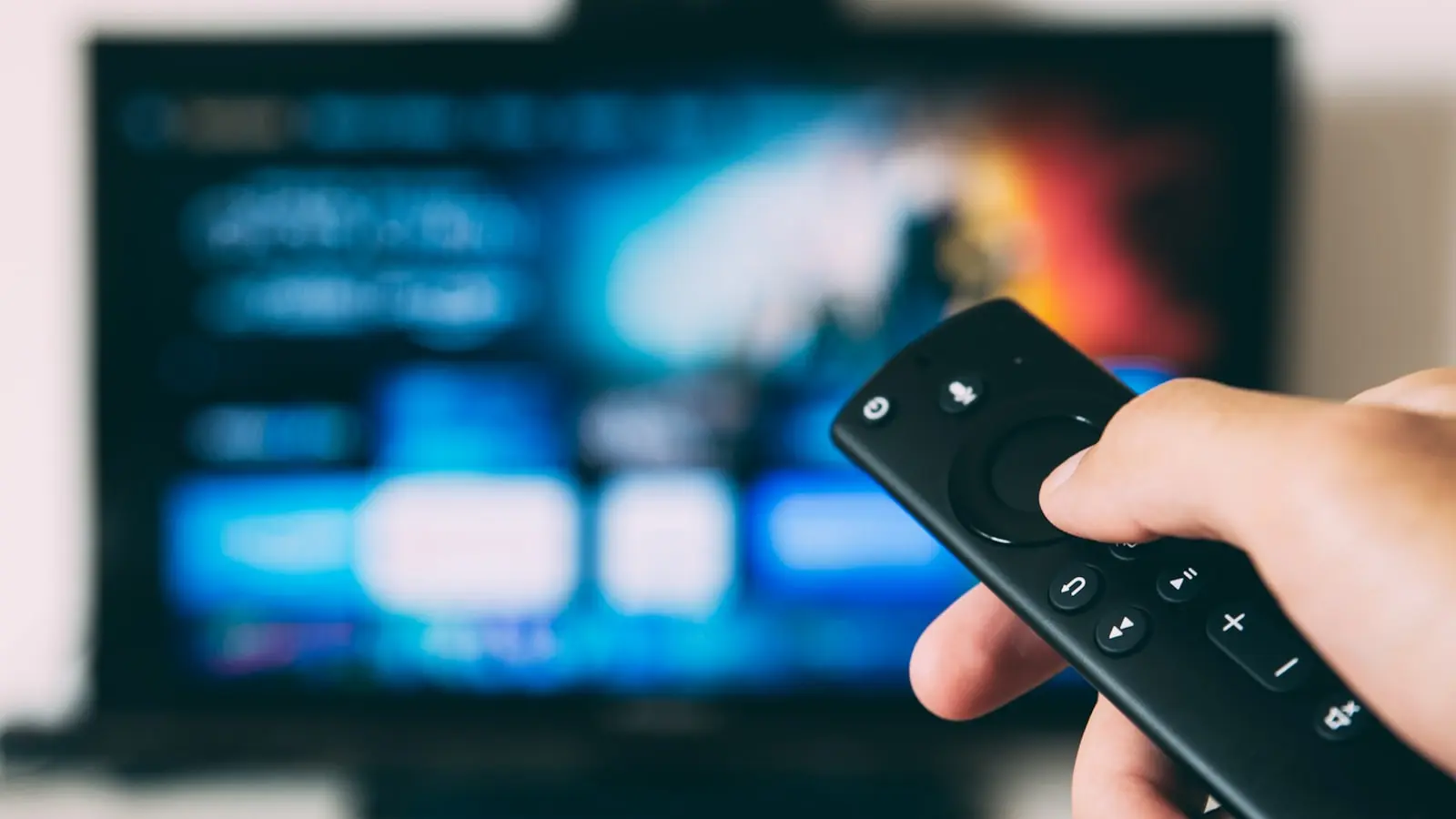
Choosing the best 4K streaming device in 2025 depends on your TV, sound system, and how much you value interface speed versus future-proofing. The answer is not one-size-fits-all: the Apple TV 4K excels on polish and ecosystem integration, the Nvidia Shield TV Pro dominates for local media and audio passthrough, and budget sticks like the Fire TV Stick 4K Max offer surprising value at a lower price. Below, we break down exactly what to look for and how the top models compare.
Key Takeaways
- The Apple TV 4K (3rd gen) is the best overall for iPhone users who prioritize interface speed and a polished ecosystem, but it costs around $130 and lacks AV1 support.
- The Nvidia Shield TV Pro is unmatched for local media playback and lossless audio passthrough (Dolby TrueHD, DTS-HD MA), making it the premium choice for home theater enthusiasts.
- For budget buyers under $50, the Fire TV Stick 4K Max delivers the best features: Dolby Vision, Dolby Atmos, Wi-Fi 6, and AV1 support.
- Mid-range options ($50–$100) like the Google TV Streamer 4K and Roku Ultra provide a balanced mix of modern codecs and reliable performance for most living rooms.
What Matters Most in a 4K Streaming Device
Video quality is the primary reason to upgrade. Look for support for HDR formats like Dolby Vision, HDR10+, and HLG. Dolby Vision delivers dynamic metadata that adjusts brightness and color scene-by-scene, which makes a visible difference on compatible TVs. Also check codec support: AV1 is becoming more common on streaming services and helps future-proof your device, while HEVC and VP9 are standard for current 4K content.
Audio passthrough is critical if you own a home theater system. Basic devices handle Dolby Digital Plus, but for lossless formats like Dolby TrueHD and DTS-HD Master Audio, you need a box with full passthrough support and eARC. The Nvidia Shield TV Pro is the only mainstream device that reliably passes these codecs through to an AVR or soundbar. Without proper passthrough, your receiver may only play stereo or compressed audio.
Interface speed and ecosystem affect daily use. A sluggish remote or a home screen packed with ads can frustrate even the best picture quality. Roku’s OS is known for its simplicity and neutral app store. Apple TV’s tvOS is fast and smooth but locks you into Apple services. Google TV offers a personalized interface but can feel cluttered on cheaper hardware. Amazon Fire OS is functional but carries heavy advertising.
Connectivity matters for stable streaming. Wi-Fi 6 handles higher throughput and reduces interference in crowded networks. An Ethernet port is even more reliable for high-bitrate 4K streams, especially if your Wi-Fi is spotty. HDMI 2.1 is not essential for video at 4K/60 but can enable features like Quick Media Switching (QMS) and variable refresh rates if your TV supports them.
Value for money means matching features to your actual setup. Spending extra on Dolby Vision is wasted if your TV only supports HDR10. Paying for AV1 support makes sense if you plan to keep the device for several years. The sweet spot usually lands between $50 and $100 for most buyers.
Top 4K Streaming Devices Tested and Compared
Apple TV 4K (3rd gen) – The best overall for Apple ecosystem users. It supports Dolby Vision, HDR10+, HLG, and Dolby Atmos. Its A15 Bionic chip delivers blazing-fast app loading and fluid navigation. HDMI 2.1 with eARC allows audio pass-through from the TV to a soundbar. The remote has a click wheel and dedicated Siri button. It lacks AV1 support, but Apple typically adds codecs through software updates over time. The main downside is price – around $130 for the 64GB model – and a walled garden approach to services.
Roku Ultra (2024) – Best for simplicity. It includes Dolby Vision and Dolby Atmos, a headphone jack on the remote, and an Ethernet port. The interface is clean and ad-free compared to competitors. However, it lacks Wi-Fi 6 and AV1 support. Its performance is solid for mainstream apps, but high-bitrate Plex streams may stutter on some content. Priced around $100, it is a strong choice for non-techies who want a reliable, fast experience.
Roku Streaming Stick 4K – A budget-friendly stick with the same OS as the Ultra. It supports Dolby Vision and Atmos, but lacks Ethernet and has slower Wi-Fi. Some viewers notice occasional frame drops on 4K remuxes or high-bitrate streams. Good for casual streaming in a bedroom or for a second TV. Usually $50 or less.
Nvidia Shield TV Pro – The enthusiast’s choice. It supports AV1, Dolby Vision, HDR10+, and every major audio format including Dolby TrueHD and DTS-HD MA. Its AI upscaling improves lower-resolution content noticeably. The Android TV ecosystem allows sideloading apps and game streaming. It also has USB ports for local media. The catch is age – the hardware is from 2019 – and a higher price around $200. Still, for local media servers and advanced audio, it has no equal among streaming boxes.
Google TV Streamer (4K) – Google’s latest streamer offers a clean interface, Dolby Vision, Dolby Atmos, Wi-Fi 6, and AV1 support. It includes an Ethernet port (via a separate adapter) and a voice remote with Google Assistant. Performance is snappy for a device in the $100 range. The app selection is strong, though some niche apps may appear later on Roku or Apple. It falls short of the Shield for local media playback but beats budget sticks on reliability.
Amazon Fire TV Stick 4K Max (2nd gen) – The best budget stick under $50. It supports Dolby Vision, Dolby Atmos, Wi-Fi 6, and AV1. Its processor handles navigation reasonably well, but the interface is ad-heavy and can feel sluggish over time. Some viewers report occasional buffering or audio sync issues with high-bitrate content. If you are deep into the Amazon ecosystem (Prime Video, Alexa), it is a strong deal. The Fire TV Cube (3rd gen) offers hands-free Alexa and faster performance but costs over $100 and is bulkier.
Choosing the Right Tier for Your Budget and Needs
Budget (under $50) – The Fire TV Stick 4K Max delivers the best feature set for the price: Dolby Vision, Atmos, Wi-Fi 6, and AV1. The Roku Streaming Stick 4K is simpler and ad-free but lacks Wi-Fi 6 and AV1. If your main use is Netflix and YouTube on a secondary TV, either works.
Mid-range ($50–$100) – The Google TV Streamer 4K offers a balanced mix of modern codecs and a clean UI. The Roku Ultra (around $100) adds Ethernet and a better remote, making it ideal for a primary living room setup where you want consistent performance without tinkering.
Premium ($100+) – The Apple TV 4K is the premium pick for ecosystem integration and future-proofing via HDMI 2.1. The Nvidia Shield TV Pro is irreplaceable if you serve local media and need full audio passthrough. Neither is right for someone who just wants Netflix and Hulu – a mid-range device will do fine.
When to skip premium – If your smart TV already runs the apps you use well, and you do not need advanced audio or high-bitrate local playback, a budget stick is sufficient. Premium boxes shine only when your TV or sound system can take advantage of their extra capabilities.
Common Pitfalls to Avoid When Buying a Streaming Device
Ignoring high-bitrate streaming – Some sticks buffer or drop frames when playing 4K remuxes or high-bitrate streams from services like Apple TV+ or Amazon Prime. Check reviews for stutter reports before buying a stick if you plan to play demanding content.
Overvaluing Dolby Vision – If your TV does not support Dolby Vision, do not pay extra for it. HDR10 is still widely used and looks excellent. Conversely, if your TV does support Dolby Vision, a device that lacks it is a missed opportunity.
Neglecting remote quality – Roku and Apple remotes are widely praised for their tactile feel and responsiveness. Some Amazon and generic remotes feel cheap, have flimsy buttons, or lack backlighting. If your seating is far from the TV, a remote with a lost-finder feature (like Roku’s) can be a lifesaver.
Future-proofing mistakes – Devices that lack Wi-Fi 6 or AV1 may struggle with higher streaming bitrates and new codecs in a few years. An investment of $10–$20 more now can extend the device’s lifespan by two years or more.
Wired vs. wireless – Ethernet provides stable, interference-free speed for streaming. Many sticks lack Ethernet ports, so if your Wi-Fi is congested, consider a box with an Ethernet port or a compatible adapter. A wired connection also reduces latency for gaming.
Frequently Asked Questions
Does Dolby Vision really make a difference on a 4K streaming device? Yes, if your TV supports Dolby Vision. The format uses dynamic metadata per scene to optimize brightness and color, resulting in more realistic contrast and detail compared to static HDR10. On HDR10-only TVs, the benefit is lost entirely – you will see no improvement.
Do I need a premium streaming box for better audio? If you have a sound system that handles Dolby Atmos or DTS:X, you will want a device with full audio passthrough (like the Nvidia Shield TV Pro) and eARC support. Budget sticks typically only pass compressed Dolby Digital Plus, which limits the spatial audio experience.
Which streaming device is best for an older 4K TV without HDMI 2.1? Most devices work perfectly fine via HDMI 2.0 – you will not lose video quality at 4K/60. Instead of chasing HDMI 2.1, focus on HDR support (Dolby Vision if your TV supports it) and audio format compatibility. The Roku Ultra or Google TV Streamer are excellent matches for older 4K TVs.