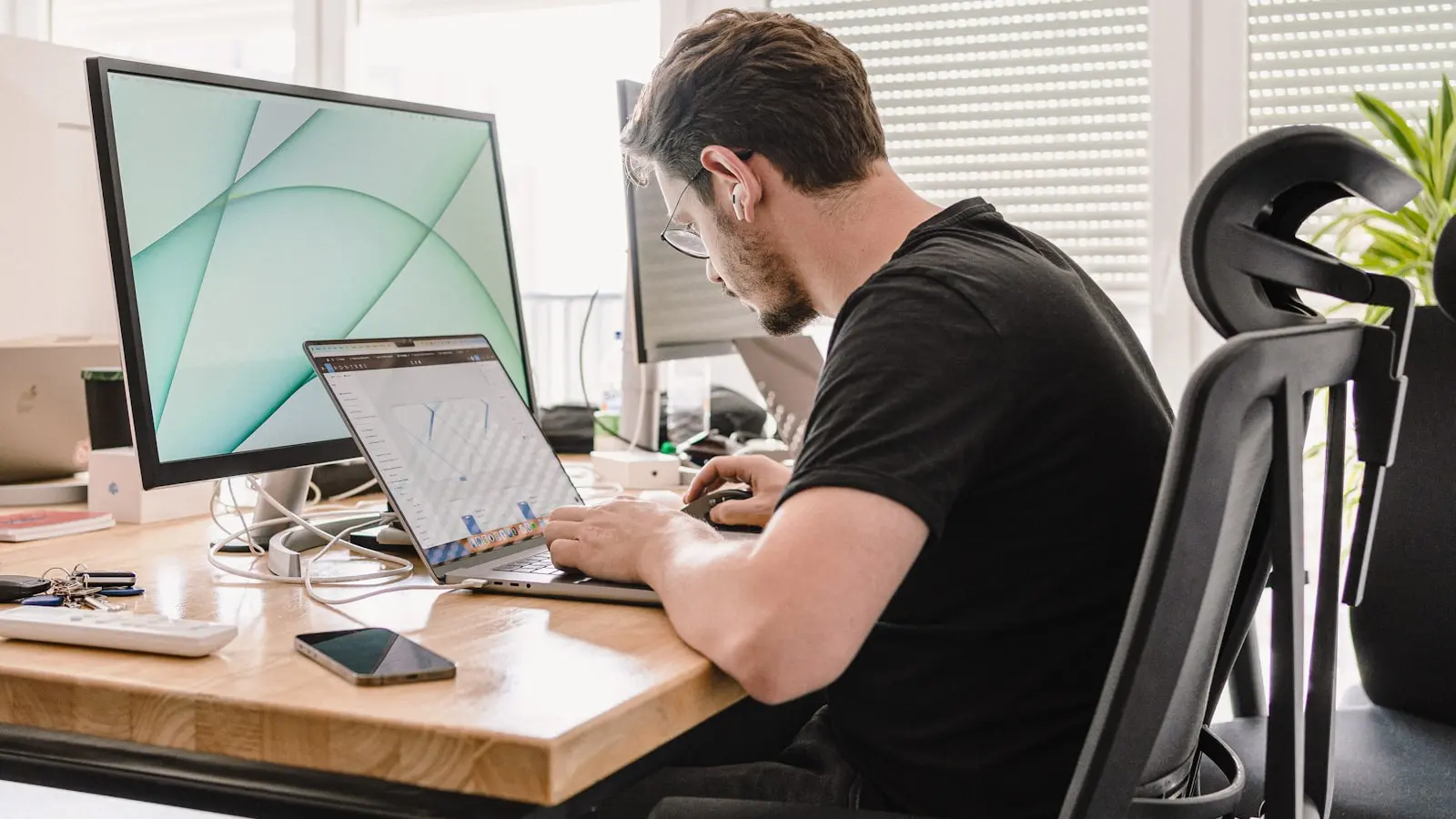
Understanding Why Desk Work Causes Chronic Lower Back Pain
Key Takeaways:
- Stretching alone is rarely enough; core and glute strength are essential for lasting relief.
- Simple, no-cost ergonomic adjustments to your chair, monitor, and keyboard can significantly reduce strain.
- Alternating between sitting and standing in short intervals (6–15 minutes) improves comfort and productivity.
- Strengthening exercises like bird-dog, glute bridges, and planks address underlying muscle imbalances.
- Seek medical attention if pain radiates below the knee, causes numbness or weakness, or persists beyond two weeks.
Prolonged sitting at a desk compresses the lumbar spine, shortens the hip flexors, and weakens the gluteal muscles. This combination creates a mechanical environment that predisposes the lower back to pain. Research indicates that between 31% and 51% of office workers experience lower back pain annually, making it one of the most common work-related complaints. The cycle is self-perpetuating: poor posture leads to muscle imbalances, which cause pain, which encourages more sitting and further deconditioning. A critical insight many miss is that stretching alone is rarely sufficient. While flexibility helps, restoring core and glute strength is equally important to correct the underlying muscular imbalances caused by hours of sitting. Without addressing both sides, relief is often temporary.
Step 1 – Optimize Your Ergonomic Setup Without Buying a New Chair
You do not need an expensive chair to reduce strain. Start with your chair height: adjust so your knees are at a 90-degree angle and your feet rest flat on the floor. If your feet do not reach the ground, use a footrest or a sturdy box. Next, set your monitor so the top of the screen is at or slightly below eye level. This prevents you from looking down or tilting your head forward. Your keyboard and mouse should be close enough that your elbows remain at a comfortable 90-degree angle and your wrists stay straight. A rolled-up towel placed in the small of your back can provide lumbar support. A stack of books or a monitor riser can lift your screen if needed. These simple, no-cost adjustments often produce noticeable improvements. If you want a more flexible option, a sit-stand converter allows you to alternate positions without replacing your entire desk. Look for models that offer easy height adjustment, stability, and enough surface space for your equipment.
Step 2 – Dynamic Stretches to Do Every Hour
Sitting for long periods shortens the hip flexors and tightens the piriformis muscle, both of which can pull on the lower back. Performing these stretches every hour can break the stiffness cycle. The standing quadriceps and hip flexor stretch is particularly practical at a desk. Stand, place one foot on a chair behind you, push your pelvis forward, and contract your glutes until you feel a stretch on the front of your hip. Hold for 15 to 20 seconds and repeat three to five times on each side. The figure-4 stretch targets the piriformis and external rotators near the sacrum, a common but underrecognized source of lower back pain. Sit on your chair, cross one ankle over the opposite knee, and gently lean forward until you feel a stretch in the glute area. Cat-cow and pelvic tilts are gentle spinal movements that improve mobility and reduce stiffness. Set a timer to remind yourself; just two minutes of movement per hour can significantly reduce cumulative discomfort.
Step 3 – Core and Glute Strengthening for Long-Term Relief
Stretching provides temporary relief, but lasting improvement requires strengthening the muscles that support your spine. The core, glutes, and hips act as a muscular corset that unloads the lumbar discs. When these muscles are weak, the spine bears more load. Three exercises consistently appear in physical therapy guidelines for desk-related back pain. The bird-dog strengthens the entire posterior chain and improves balance. Start on hands and knees, extend one arm and the opposite leg while keeping your back flat, hold for a few seconds, then switch sides. Glute bridges activate the glutes and counteract hip flexor tightness. Lie on your back with knees bent, lift your hips until your body forms a straight line from shoulders to knees, squeeze your glutes at the top, then lower. Planks build core endurance without straining the back. Aim for two to three strength sessions per week, starting with bodyweight only. If you have been stretching without lasting relief, adding this type of strengthening is often the missing piece.
Step 4 – When and How to Use a Standing Desk (or Converter)
Standing desks are not a cure-all, but they can be a useful tool when used correctly. The goal is not to stand all day; it is to alternate between sitting and standing. Research suggests that standing for six to fifteen minutes at a time improves overall comfort and productivity without causing fatigue. Longer standing sessions without movement can create new problems, such as joint stiffness in the hips or knees. If you choose a sit-stand converter, prioritize height adjustability and stability. The work surface should be large enough to hold your keyboard, mouse, and monitor without feeling cramped. When standing, wear supportive shoes that provide cushioning and arch support. Poor footwear can alter your posture from the ground up and increase strain on your lower back. The key is variety: change positions frequently rather than committing to one posture for hours.
Step 5 – Self-Assessment: Is Your Pain Muscular or Something More Serious?
Most desk-related back pain is mechanical and improves with movement, posture changes, and exercise. However, some symptoms signal a more serious condition that requires medical evaluation. Red flags include pain that radiates below the knee, numbness or tingling in the leg or foot, muscle weakness, or loss of bladder or bowel control. These may indicate nerve involvement, such as sciatica from a disc herniation or spinal stenosis. A simple self-check: if movement reduces the pain, it is likely muscular. If the pain is sharp, shooting, or worsens with activity, it could be nerve-related. If you experience any red flags, or if your pain persists more than two weeks despite ergonomic adjustments and consistent exercise, consult a healthcare provider. Early evaluation can prevent chronic issues and guide appropriate treatment, whether that is physical therapy, medication, or further diagnostics.
FAQ
Q1: Can stretching alone fix my desk-related back pain? A: No – stretching helps temporarily, but strengthening core and glutes is necessary to correct muscle imbalances caused by prolonged sitting.
Q2: How long should I stand when using a standing desk? A: Research suggests standing for 6–15 minutes at a time is effective. Alternate positions throughout the day.
Q3: What are the signs that my back pain requires a doctor visit? A: Seek medical attention if you have pain radiating into the leg, numbness, weakness, or if pain persists more than two weeks after ergonomic changes.