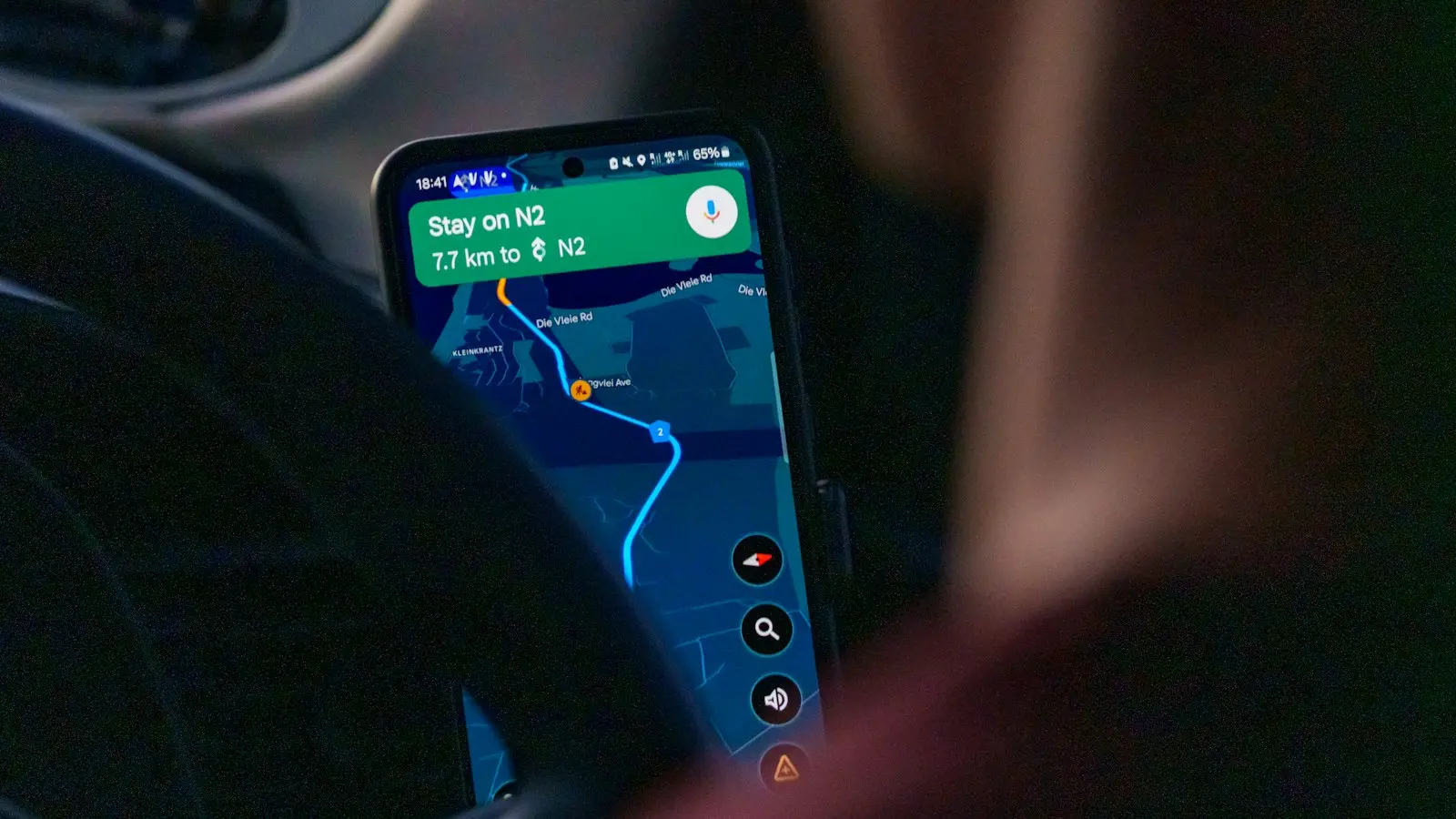
The best travel apps abroad are not a universal ranking. They are a small set of tools that cover your destination, work during weak connectivity, use reasonable battery power, respect your privacy, and have a practical fallback when something fails.
For most international travelers, the core kit includes navigation, translation, connectivity, transport or airline information, reservations, communication, money management, and access to important documents. The right combination depends on whether you are taking a short city break, moving between several countries, or traveling independently where service and payment acceptance may be inconsistent.
Key Takeaways
- Choose apps by offline access, destination coverage, battery use, privacy, and backup value—not popularity alone.
- Download maps, language packs, tickets, reservations, and key addresses before departure.
- Verify eSIM compatibility, phone-unlock requirements, network coverage, fees, and account recovery options.
- Keep at least two payment methods and offline or physical backups for critical documents and travel details.
- Treat every app as one part of a broader plan; no single phone, network, or service is fail-safe.
The most important preparation happens before departure. Sign in, complete identity checks, download offline content, save addresses, test payments, and confirm that your phone and accounts will work without your usual mobile network. Do not rely on one app, phone, network, battery, or payment method for an essential task.
Build a Minimum App Stack for Your Trip
A short city break usually needs fewer apps than a multi-stop journey. A map app with downloaded local areas, a translation app, airline and accommodation apps, a communication service, a currency tool, and a way to access reservations may be enough. Add the destination’s official public transport or taxi app if it provides tickets, service updates, or a payment method visitors can use.
A multi-stop trip benefits from a more deliberate setup. You may need several official rail or bus apps, an eSIM travel app or roaming-management tool, an itinerary organizer, expense-splitting software for group travel, and offline copies of tickets and hotel addresses. Independent travelers should also prepare emergency contacts, local-language phrases, and more than one way to reach accommodation or transport providers.
Optional discovery apps are less important than dependable basics. Restaurant guides, review platforms, loyalty apps, and audio guides can be useful, but they should not displace storage, battery, or attention needed for maps, tickets, money, and communication.
Evaluate every app using five questions:
- Does it work offline or with weak service?
- Does it cover the specific country, city, language, and transport system?
- Does it consume reasonable data and battery for the features you need?
- Does it require location, contacts, payment, identity, or SMS access?
- What will you do if the app, phone, network, or payment method fails?
Install and test important apps at home. Some services require a confirmation text, identity check, card authorization, or account-recovery step that becomes difficult after your home SIM is disconnected. Check current operating-system requirements and destination availability instead of assuming that an app available in your country offers the same features abroad.
Choose Navigation and Translation Tools That Still Work Offline
Offline map apps are most useful when they provide downloadable coverage, searchable streets, walking directions, and saved locations. Download the areas you will visit, then search for your accommodation, airports, stations, hospitals, pharmacies, and meeting points while you still have reliable internet.
Save addresses in both your language and the local script when practical. A hotel name may be easy for you to pronounce but difficult for a driver or local resident to identify. A screenshot of the address, entrance, and nearby landmark can be more useful than a pin that fails to load.
Offline maps have clear limits. They may show streets and saved places without providing live traffic, current transit disruptions, updated business hours, real-time rerouting, or recently changed road layouts. Driving directions, walking paths, and public transport coverage can also vary by location. Test the downloaded area by switching your phone to airplane mode before leaving.
Online navigation remains valuable when service is available. Live traffic, ride-hailing pickup locations, transit departures, and current business information depend on an active connection. A sensible setup uses online routing when available and offline maps as the safety net.
Translation apps for travel can help with text, camera, voice, and pronunciation features. Download language packs where supported, save common phrases, and prepare wording for addresses, dietary restrictions, accessibility needs, and basic requests.
Accuracy varies across languages, accents, handwriting, technical terms, and noisy environments. Do not depend entirely on automated translation for medical, legal, immigration, accessibility, or safety-critical communication. For those situations, prepare clear written wording and seek qualified human help when possible.
A low-tech backup remains worthwhile: screenshots of addresses and tickets, a small phrase list, written accommodation details, and a charged power bank. These backups take little space and do not require an account or signal.
Stay Connected With an eSIM, Wi-Fi, and Battery Backup Plan
An eSIM travel app can simplify mobile data setup, but it is not automatically the best choice for every traveler. Compare an eSIM with home-carrier roaming, a local physical SIM, and Wi-Fi based on coverage, price, setup difficulty, phone-number access, hotspot support, customer service, and recovery options.
Before buying an eSIM plan, verify that your phone supports eSIM technology and is unlocked if required. Check the exact destination list, network partners, activation process, validity period, data allowance, speed restrictions, hotspot rules, refund terms, and support channels. A plan marketed as unlimited may still have speed or fair-use conditions, and coverage can vary within the same country.
Activation timing matters. Some plans begin when installed, while others begin when the device connects to a supported network. Follow the provider’s current instructions and keep installation details accessible. If your home line handles SMS authentication, confirm that you can retain it or arrange another recovery method before changing data settings.
A local SIM may offer a local number or useful domestic support, but it can require a store visit, identity registration, a physical SIM change, or a compatible device. Home-carrier roaming is simpler and may preserve your number, but fees and data rules vary. Public and hotel Wi-Fi can be convenient, yet captive portals, weak signals, congestion, and interruptions make them poor sole plans for navigation or urgent communication.
Prepare for connectivity failure by downloading maps, tickets, boarding passes, reservations, and key messages. Carry a second network option when the trip justifies it, enable battery-saving settings, and pack a power bank. Keep an emergency contact method that does not depend entirely on one messaging app or cloud account.
Use Transport, Reservation, Communication, and Money Apps Selectively
Official airline, rail, metro, bus, airport, hotel, and local taxi apps can be more valuable than general travel directories when they provide current tickets, platform information, disruption notices, pickup instructions, or rebooking tools. Search for the official service for each destination and confirm that visitors can create an account and pay with their available card.
Third-party booking and itinerary apps can consolidate flights, hotels, and activities. The trade-off is greater account dependence and potentially slower support when a booking changes. Keep the original confirmation number, provider name, cancellation terms, and contact details even if an itinerary app imports everything automatically.
Communication apps are useful for contacting travel companions, hosts, guides, drivers, and accommodation staff. Their usefulness depends on local adoption and whether contacts use the same service. Confirm important arrangements in writing and save the address or pickup instructions offline rather than relying on a chat history that may not load.
Travel money apps should be selected by function, not popularity. You may need a currency converter, card-control app, multi-currency account, transfer service, expense splitter, or digital wallet. Before relying on one, check exchange-rate treatment, foreign transaction fees, ATM charges, transfer limits, identity requirements, supported countries, card acceptance, and fraud or dispute procedures.
A digital wallet can be convenient, but acceptance varies by merchant, country, phone, bank, and terminal. A travel money app cannot solve every payment problem if your account is frozen, your phone is lost, the merchant accepts only local cards, or the service requires an unavailable verification code.
Carry at least two payment methods stored separately. Depending on the destination, a modest emergency cash reserve may also be sensible. Save your bank’s fraud and support numbers, understand how to freeze a card, and keep offline copies of essential booking information. Group travelers can use expense-splitting tools, but each person should still be able to pay for transport, food, and an emergency independently.
Protect Privacy and Prepare Document and Emergency Access
Travel apps often request access to location, contacts, camera, microphone, photos, Bluetooth, notifications, and background activity. Review each permission before granting it. Location may be necessary for directions or ride pickup, while contacts, advertising identifiers, or continuous background access may not be essential.
Use official app stores, update your phone and apps, set a strong screen lock, and use unique passwords with multi-factor authentication where available. Avoid signing into sensitive accounts on shared devices. Be cautious when a travel app asks for more identity or payment information than its function appears to require.
Store passports, visas, insurance details, prescriptions, reservations, and emergency contacts in a secure, access-controlled location. Offline access is important, but an unprotected photo gallery is not an ideal document vault. Use device security and, where available, encrypted or protected storage, while keeping only the information you genuinely need.
Do not make a cloud account your only document backup. A separate physical copy of critical information can help if your phone is lost or a verification code cannot be received. Keep copies limited and protected because travel documents and payment details remain sensitive.
Before departure, confirm destination-specific emergency numbers and official procedures through reliable current sources. Emergency access can fail if a phone is locked, uncharged, offline, or configured for another region, so know how to reach help without depending on one app.
A lean setup checklist looks like this:
- Install official airline, transport, accommodation, communication, money, and map apps.
- Sign in and complete verification while you still have normal phone service.
- Confirm destination, language, operating-system, device, and payment compatibility.
- Download maps, language packs, tickets, reservations, and important messages.
- Save accommodation and transport addresses in text, screenshots, and local script where useful.
- Test cards, wallets, roaming settings, eSIM installation, and account-recovery options.
- Review app permissions and disable unnecessary background activity.
- Charge your phone and power bank, then keep a separate physical or offline document backup.
App features, coverage, pricing, privacy terms, and transport information can change quickly. Recheck current provider details before departure, and treat every app as one component of a broader travel plan rather than a guarantee that the trip will remain connected.
FAQ: Best Travel Apps Abroad
What are the most important international travel apps to download before departure?
Start with a map app, translation tool, connectivity option, official airline or transport apps, accommodation access, a communication service, a money or banking app, and secure document access. A short trip may need only one app in several categories; a multi-country journey may require separate official transport tools. Choose based on offline access, destination coverage, account requirements, and backup value rather than downloading every popular option.
Which offline map apps and translation apps work without mobile data?
Offline capability varies by app, operating system, language, and destination. Download the relevant map areas and language packs, then test search, saved locations, text translation, and camera features in airplane mode. Live traffic, transit alerts, current business information, voice services, and some routing features may still require mobile data or Wi-Fi.
Do I need an eSIM travel app if my carrier offers international roaming?
Not necessarily. Roaming may be simpler and preserve your existing number, while an eSIM or local SIM may offer a different price, data allowance, or network arrangement. Compare coverage, fees, device compatibility, setup, support, hotspot rules, SMS access, and backup value for your specific destination before choosing a primary connection.