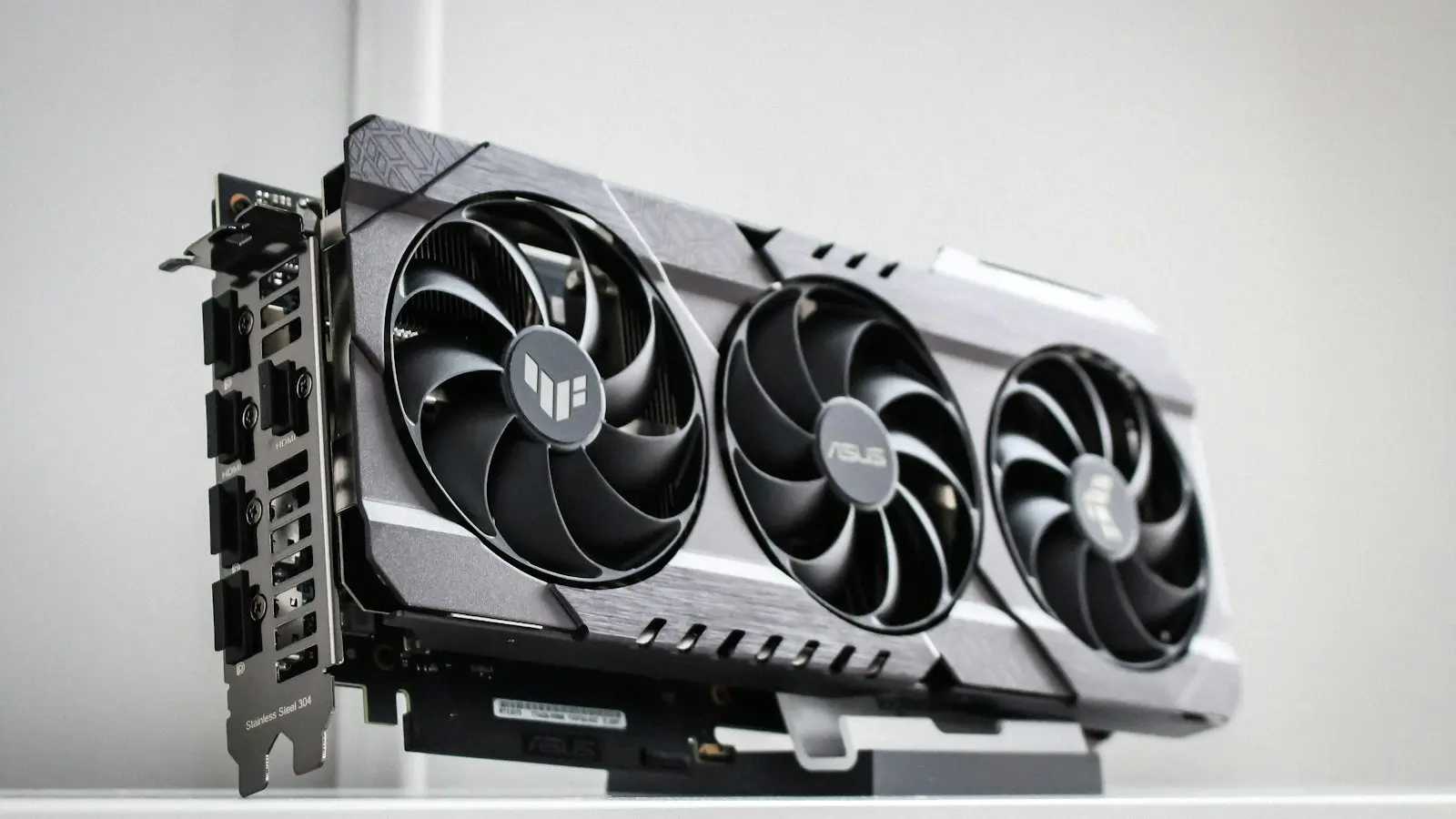
An unofficial GTA VI PC build can display convincing textures and ray-traced lighting without being a complete PC version. A partial renderer, compatible engine component, asset viewer, developer tool, emulation layer, or modified executable may be enough to produce a visual demonstration.
That distinction matters. A visible scene does not confirm that the files are authentic, that an original development build has been recovered, or that the software includes working gameplay, optimization, security, and platform support. It also says nothing by itself about lawful access or official PC availability.
Key Takeaways
- Rendering a model, material, or scene is not the same as running a complete PC game.
- Engines, asset viewers, shaders, graphics APIs, compatibility layers, and GPUs can produce limited visual output independently of full gameplay systems.
- Screenshots and videos cannot establish file authenticity, build provenance, performance, or official support on their own.
- Repository takedowns can reduce public distribution but cannot prove that every removed file was authentic or that all copies are gone.
- Unofficial executables carry security, stability, copyright, and distribution risks that visual quality does not resolve.
What an Unofficial GTA VI PC Build May Actually Contain
The phrase “unofficial GTA VI PC build” can describe several different things. It might refer to an alleged unreleased build containing executable code and data, a collection of extracted models and textures, a rendering test assembled from selected files, or a fan-made project that imitates the game’s appearance.
These categories are not interchangeable. An unreleased build may include some original engine or gameplay code but remain incomplete, depend on internal tools, or target a different platform. Leaked files might contain asset packages without the code needed to load them in a normal game session. A technical demonstration may show only one environment, material, or lighting effect.
The same caution applies to claims about GTA VI leaked PC files. Without forensic examination, identifiable build information, and independent confirmation, it is difficult to determine whether a file is genuine, altered, mislabeled, or assembled from unrelated material. A screenshot or video can show that something rendered; it cannot establish the source of every asset or the provenance of the executable.
A finished PC release requires much more than visible content. It needs a functioning game loop, input handling, asset streaming, animation, physics, artificial intelligence, menus, saving, error recovery, and compatibility across a range of hardware. Depending on the product, it may also require networking, platform services, account systems, updates, and anti-tampering measures.
The official platform and release status of a major unreleased game are time-sensitive matters. They should be checked against current statements from the rights holder and official product channels rather than inferred from alleged files circulating elsewhere.
How Game Assets Can Render Without a Complete PC Version
Modern games separate much of their visible content from the systems that make a complete game work. A character model, texture, material definition, animation clip, or lighting probe can exist as a discrete asset package. If a compatible tool knows how to interpret that package, it may display the asset even when the broader game is unavailable.
A simplified rendering chain works like this: software reads asset data, converts it into usable geometry and textures, applies material instructions, sends those instructions through a graphics API, and asks the GPU to produce pixels. Lighting systems then calculate how surfaces respond to direct and indirect illumination. Only part of that chain has to function for a limited visual result.
Several routes could produce such an outcome without demonstrating a complete port. An internal engine tool might load a scene for artists. A compatible engine version might interpret selected assets. A compatibility layer could translate calls intended for one platform into calls understood by a PC graphics driver. Emulation could reproduce some behavior of another system, although the result might be incomplete or demanding.
A developer-facing asset viewer can also bypass ordinary gameplay systems. It may show a model under test lighting, preview a material, or load a small scene without supporting the world streaming, mission logic, and background simulation used in the full product.
This is how ray-traced lighting game assets could appear in an isolated demonstration. The scene may contain the geometry, material data, and shader logic needed for a particular effect while other systems remain absent or nonfunctional. The result can look close to a finished game while representing only a narrow technical slice.
The Role of Shaders, APIs, and PC Hardware
Textures provide surface information, but they do not create a complete lighting system. Shaders are program stages that tell graphics hardware how to process vertices, materials, shadows, reflections, and lighting. They can determine whether a surface looks metallic, rough, transparent, emissive, or affected by a particular light source.
Ray tracing adds another layer of work. The renderer needs scene geometry, acceleration structures that help locate intersections, lighting rules, memory management, and methods for reducing visual noise. Many systems also use denoising or reconstruction because tracing a limited number of rays can produce a grainy image.
Graphics APIs provide the communication layer between software and hardware. They expose capabilities for creating buffers, loading shaders, dispatching workloads, synchronizing operations, and presenting frames. Drivers then translate those requests for a specific GPU. A file that works in one environment may fail in another because of unsupported instructions, missing extensions, incompatible shader formats, or different memory behavior.
Hardware determines the practical trade-offs. A demanding scene may require substantial video memory for textures, geometry, acceleration structures, and intermediate lighting data. The CPU may also handle scene management, asset decompression, simulation, and preparation of work for the GPU.
A visual clip should not be treated as a performance claim without reproducible testing. Resolution, image reconstruction, frame pacing, driver version, background processes, scene complexity, and build configuration can all change the result. A demonstration may run at low resolution, omit effects, use a small static scene, or tolerate crashes that would be unacceptable in a retail release.
Typical symptoms of an incomplete renderer include missing textures, objects appearing late, broken animation, lighting that changes between frames, severe stutter, crashes when moving between areas, and inconsistent behavior across graphics cards. None of these symptoms proves what the files are, but they show why rendering one scene is a much lower bar than shipping a stable PC game.
Why Visual Proof Does Not Establish a Finished PC Port
Technical feasibility, product readiness, and lawful distribution are separate questions.
Technical feasibility asks whether software can interpret enough data to produce a visual result. Product readiness asks whether the game works reliably across supported configurations, delivers its intended features, and can be maintained through updates and bug fixes. Lawful distribution asks whether the publisher has authorized the code, assets, and method of access.
A credible technical assessment would need more than a short clip. It would ideally identify the build version, document file provenance, show repeatable behavior, examine the executable and asset formats, and distinguish original code from recreated or substituted components. Independent examination is especially important when claims concern an unreleased game.
Repository takedowns have a similarly limited meaning. A rights holder or hosting service may remove a repository, file, or account after receiving a complaint or identifying material that appears to violate platform rules or intellectual-property rights. That can reduce public availability and disrupt easy redistribution.
A takedown does not prove that every removed repository contained authentic files. It does not establish that all copies have disappeared, and it cannot by itself explain the legal status of every person who viewed, copied, or redistributed material. Takedown totals should not be repeated without reliable documentation covering the number, dates, repositories, and type of action.
Game repository takedowns are therefore better understood as a distribution-control measure than as a technical erasure process. Copies may exist elsewhere, but their continued existence would not make them authentic, safe, authorized, or complete.
Security, Legal, and Development Implications
Unofficial builds create security risks because users cannot assume that an executable has passed the publisher’s testing, signing, and update processes. A modified program could contain malware, credential-theft functions, surveillance components, or code that weakens system protections. It could also be merely unstable, damaging files or causing crashes without being deliberately malicious.
The risk is higher when a program asks users to disable security tools, replace system files, enter account credentials, or install unknown supporting software. Those requests are not proof of malware, but they are warning signs because they expand the damage a compromised package could cause. Security software may also flag unusual behavior from an untrusted executable without identifying a specific threat.
Legal consequences vary by jurisdiction and conduct. Copyright ownership, unauthorized distribution, circumvention, possession, and modification are not identical issues, and the rules can differ between countries. A technical explanation is not legal advice, and a file’s availability does not prove that accessing or distributing it is authorized.
For developers, protecting unreleased files involves more than keeping a repository private. Common defensive measures include access controls, least-privilege permissions, code signing, build-system restrictions, audit logs, watermarking, environment separation, repository monitoring, and incident-response plans. These controls help identify unauthorized access and limit the usefulness of copied material, although no system guarantees that confidential data will never escape.
The central point is simple: an unofficial GTA VI PC build that renders a scene may demonstrate partial technical capability, but it does not prove a complete PC port. It does not establish authenticity, optimization, security, official support, or lawful distribution. The most reliable evaluation separates what is visibly demonstrated from what still requires forensic, technical, official, and legal verification.
FAQ
Does an unofficial GTA VI PC build prove that a full PC version already exists?
No. It may show that some executable code, assets, tools, or compatibility components can produce a visual result. It does not prove that the complete game is functional, that the files came from an authentic internal build, or that an official PC release is available.
How can leaked game assets display ray-traced lighting on a PC?
A compatible renderer may load selected geometry, materials, shaders, and lighting data. A graphics API and suitable GPU can then process those instructions. The demonstration may use an asset viewer, partial engine code, emulation, or a compatibility layer rather than the complete game.
Are unofficial GTA VI files safe or legal to download and run?
Safety and legality cannot be assumed. Modified executables may contain malware, steal credentials, or behave unstably, while copyright and distribution rules vary by jurisdiction. Visual evidence or online availability is not proof of authorization, authenticity, or security.