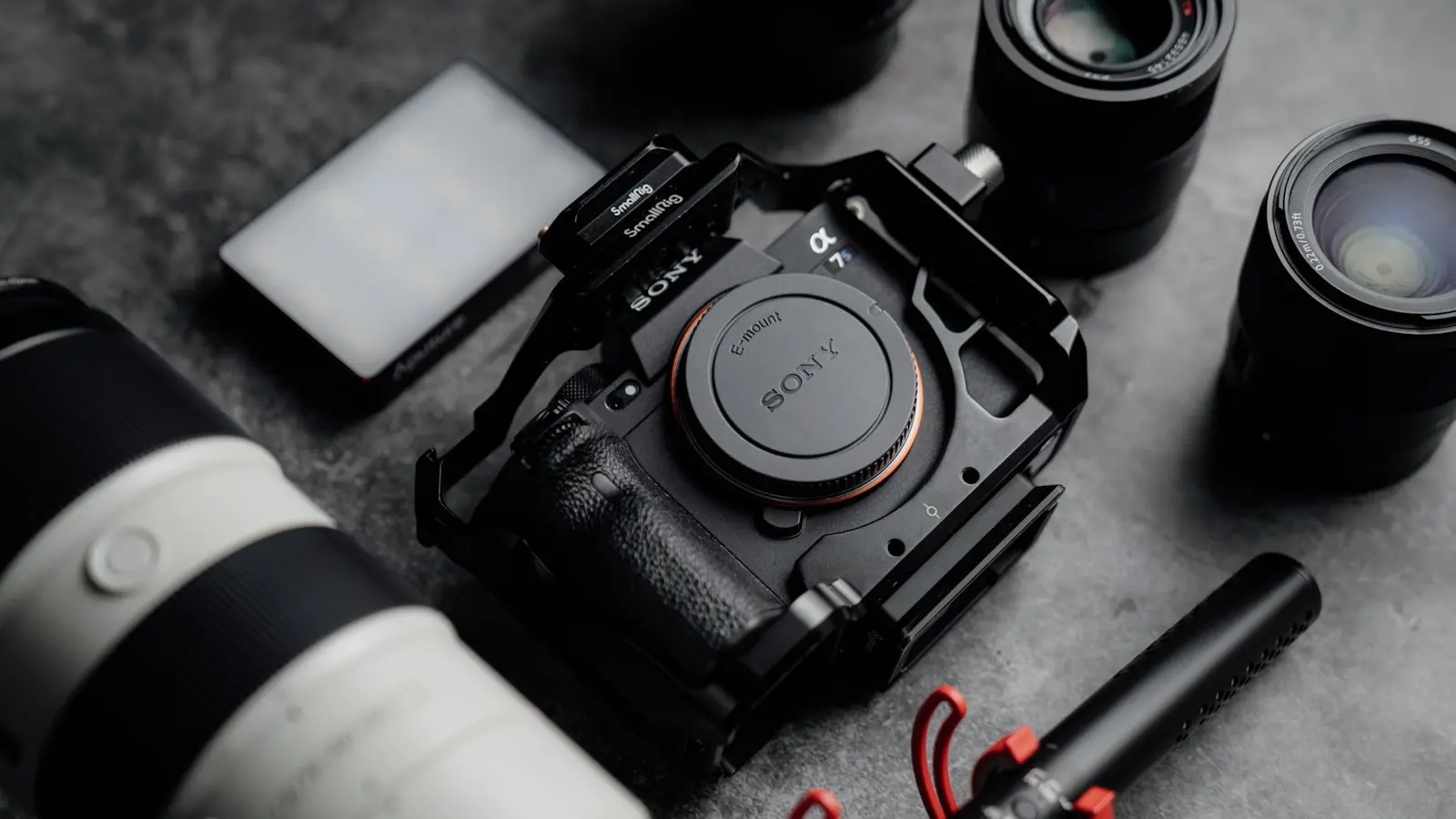
For most camera travelers, the best travel photo backup no laptop setup is a hybrid: keep originals on the camera card, make a verified local copy to portable storage, and upload priority images when reliable internet is available. Phone-first travelers can often use automatic cloud backup, while RAW and video shooters should prioritize local copies.
A shared gallery, sync folder, or social upload is not automatically a backup. A backup is a copy you can locate, access, and restore after a phone, card, bag, or connection fails.
Key Takeaways
- Phone-to-cloud backup is best for phone-first trips with dependable Wi-Fi or affordable data.
- Camera cards plus portable storage suit RAW, video, and remote travel, but the phone, reader, hub, SSD, and power setup must be tested together.
- Hybrid backup is usually the strongest option for valuable images: retain the card, create a local copy, and upload selected files when possible.
- Keep at least one copy physically separate from the camera bag, and never format a card until the copied files have been checked.
Choose Your Setup With This 60-Second Decision Guide
Choose automatic phone-to-cloud backup if nearly all images come from your phone, you expect regular access to trustworthy Wi-Fi or suitable mobile data, and rapid recovery after phone loss matters most. It is the lightest setup because it does not require a card reader, hub, or portable SSD.
Choose camera cards plus portable storage if you shoot RAW images, long video clips, or enough material that cloud uploads would be slow, costly, or unreliable. This camera backup without laptop workflow works offline, but adds compatibility, battery, and transfer-management risks.
Choose a hybrid system for irreplaceable work, long multi-country trips, mixed camera-and-phone shooting, or uncertain connectivity. It is the most resilient minimal-gear choice because a single failure does not necessarily remove every copy.
A useful target is a travel version of the 3-2-1 principle: aim for three copies, on two forms of storage, with one copy physically separate from the camera bag. This is a resilience goal, not a guarantee. You may not reach three copies every night, but the principle helps reveal weak points before they become losses.
Base the decision on daily file volume, internet quality, phone ports and file-system support, power availability, privacy needs, theft exposure, budget, and the time you will realistically devote to backup.
Setup 1: Automatic Phone-Cloud Backup for Phone-First Trips
Automatic cloud photo backup is the practical choice for city breaks, family trips, and mobile photography where simplicity matters more than offline independence. Enable camera-roll backup before departure, set uploads to Wi-Fi by default, and check upload status instead of assuming background sync finished.
The provider matters less than its behavior. Before relying on a service, check whether it retains original-quality files, what happens when storage fills, whether uploads pause on mobile data, how offline access works, and how easily you can export the full library later. Photo organization, sharing, and backup can live in the same app, but they are separate functions.
Keep meaningful free space on the phone. If several days pass without a successful upload, the phone becomes the only copy of recent photos. A full phone can also block new captures and interfere with background backup.
This system is weakest when the phone is lost before recent files upload. Weak hotel Wi-Fi can leave large queues unfinished, particularly when an app is prevented from running in the background or the phone enters power-saving mode.
Avoid building a trip plan around roaming uploads. Large image and video transfers can consume an allowance quickly, and mobile plans may include restrictions that make continuous upload impractical. Treat mobile data as an emergency route for a small selection of priority images rather than your default archive path.
Account recovery is part of phone photo backup travel planning. Use a unique password, enable multi-factor authentication, confirm that your recovery email is accessible abroad, and store backup codes somewhere other than the phone. If an authenticator app exists only on a lost device, account recovery can become a separate problem.
Setup 2: Camera Cards Plus Portable Storage for Offline-Heavy Travel
Local storage is best when internet is scarce and camera files are large. The usual no-laptop transfer chain is: camera memory card, compatible card reader, phone or tablet, then portable SSD. Some dedicated backup devices can shorten that chain, but support for specific cards, file types, and storage formats still requires confirmation.
Do not assume USB-C means every device will work together. Before buying anything, verify your phone’s port type, operating-system support, card-reader format, external-drive file system, and whether the phone can reliably read and write the folders you intend to use.
You may also need a hub. A phone can recognize a card reader but fail to power an SSD at the same time, or it may connect to the drive but struggle with sustained transfers. Some hub-and-SSD combinations need external power through a power-delivery input, making a wall charger or power bank part of the backup chain.
Test the exact chain at home with representative files. Copy a realistic batch of RAW files and video, inspect the destination folders, open several files from the copied location, and repeat the process using the power bank you plan to carry. A setup that handles a few JPEGs is not proof that it can process a full shooting day.
Portable SSDs are compact and contain no spinning parts, which makes them convenient for travel photography storage. But an SSD, memory card, and phone can all be lost, damaged, or corrupted. One drive kept in the same bag as the camera is better than no copy, but provides limited protection against theft of that bag.
Keep original files on the camera card until the copy is verified. A completed progress bar shows that a transfer ended; it does not prove every file is usable. Confirm that the destination folder exists, the file count is plausible, and several images or clips open correctly before deleting files or formatting the source card.
Setup 3: Hybrid Backup for Valuable and Mixed-Camera Trips
A hybrid workflow is usually the strongest travel photo backup no laptop system because it combines offline capture protection with eventual off-site protection. It does not require uploading an entire RAW archive every night, which is often unrealistic on hotel Wi-Fi.
During the day, keep original camera files on the active card. In the evening, copy that day’s camera files to portable storage using the tested reader, phone, and SSD workflow. Let phone images upload automatically when a suitable connection is available.
When bandwidth permits, upload the most important camera images, smaller proxy files, or selected originals. This creates a remote survival copy of the images that would be hardest to lose without turning every evening into a long upload session.
Then physically separate the equipment. Keep the camera and active card in one secure location, the phone in another, and the backup drive elsewhere where practical. The right arrangement depends on your accommodation and transit conditions, but the goal is to stop one loss from taking every copy.
Hybrid backup can help with a single card failure, a lost phone, or one stolen bag if copies were genuinely separate. It cannot fully protect against simultaneous theft, an unverified transfer, account lockout, or a drive that was never written correctly.
| Setup | Best trip type | Copies created | Internet dependence | Gear and power burden | Main failure point | Best for |
|---|---|---|---|---|---|---|
| Phone-to-cloud | Phone-first trips | Phone plus cloud after upload | High | Low | Phone loss before upload | Travelers shooting mostly on phones |
| Cards plus local storage | Remote or high-volume camera trips | Card plus local drive | Low | Medium to high | Copies stored together or transfer not verified | RAW and video shooters |
| Hybrid | Valuable, long, or mixed-device trips | Card, local drive, and selected cloud copies | Moderate | Medium to high | Workflow complexity | Travelers protecting irreplaceable images |
Make Backup Work in Real Travel Conditions
Power is often the hidden limitation. Pack a phone charger, short data-rated cables, required plug adapters, a suitable power bank, card reader, and any powered hub required by the drive. Check current airline and local rules for carrying power banks before travel rather than assuming every battery is accepted everywhere.
Treat public or hotel Wi-Fi as an opportunity, not a promise. Queue uploads on connections you trust, prioritize irreplaceable files, and avoid assuming the network can sustain large RAW or video transfers. When connectivity is unstable, local copies become more important.
Estimate capture volume by file size, not photo count. A small number of high-resolution photos or video clips can create more storage pressure than hundreds of phone snapshots. Bring enough card capacity that you are not forced to format the only source card before confirming a backup.
For privacy, distinguish encryption terms carefully. A cloud service may protect data during transfer and while it is stored, but that does not necessarily mean it offers end-to-end encryption where only you control the decryption key. Review the provider’s current privacy, metadata, sharing, export, and encryption settings before relying on it for sensitive work.
Use a device lock and current phone-location or recovery settings. Do not label an SSD with detailed itinerary information. Also remember that remote-wipe tools can erase the only local copy on a phone if cloud backup is incomplete, so use them with that trade-off in mind.
The Five-Minute Daily Backup Routine and Packing Checklist
A good routine is short enough to follow when you are tired. Charge the phone, power bank, and storage device first. Connect the equipment in the tested order, copy the day’s camera files, and confirm the destination folder, a plausible file count, and several readable files.
Keep the source card untouched until this check is complete. Then inspect the cloud app for completed uploads, errors, and queued phone photos. Before sleeping or moving on, separate the camera and card, phone, and secondary local copy.
Pack the following:
- Phone with adequate free space
- Enough camera cards to avoid forced deletion
- Tested card reader
- Compatible data cables
- Portable SSD or other verified local storage
- Powered hub if required
- Wall charger, power bank, and plug adapter
- Cloud app with tested sign-in and recovery methods
- Small protective case for storage
The direct recommendation is straightforward: choose hybrid for most camera travelers without a laptop. Choose cloud-first when phone photos and dependable uploads are the norm. Choose storage-first when internet is unreliable and file volumes are high, but test the complete transfer chain before departure.
FAQ
Can I back up camera photos directly to a portable SSD with my phone?
It may be possible, but compatibility is not automatic. Success depends on the phone, operating system, card reader, hub, SSD file system, power delivery, temporary phone storage, and file-management workflow. Test the exact equipment with the same types and sizes of files you expect to shoot.
Is cloud photo backup enough for travel?
It can be enough for phone-first travel with regular, successful uploads. It still leaves a gap for photos not yet uploaded and can be impractical for large camera files on weak, costly, or restricted connections.
How many memory cards should I bring for a long trip?
Bring enough capacity that you do not need to routinely reformat the only copy of recent work. The right amount depends on camera resolution, video use, trip length, and daily capture volume. More cards create flexibility, but they still require labeling, careful handling, and a verified backup routine.