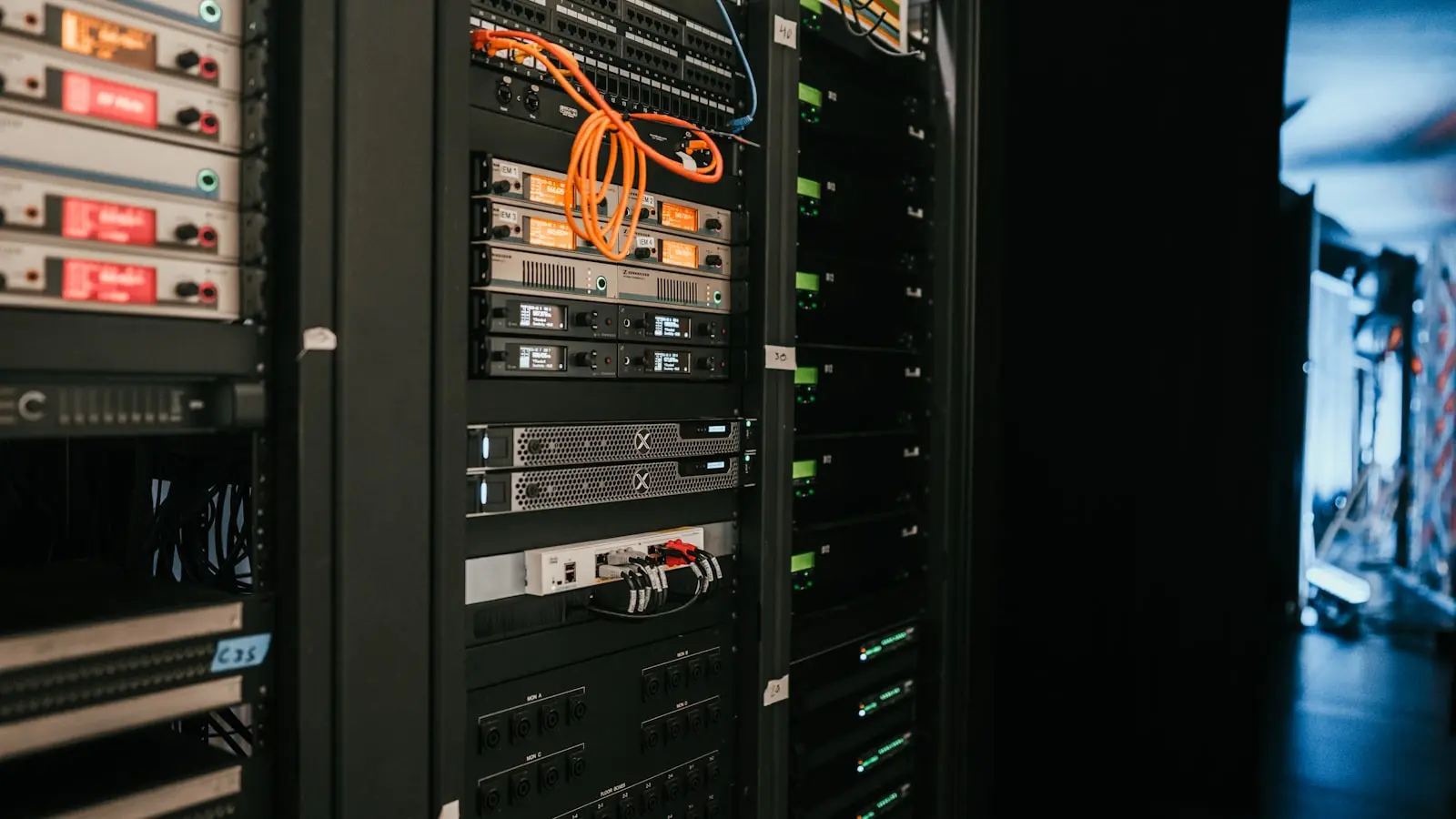

The shift toward local-first computing is no longer a niche hobby for terminal-dwellers. As cloud subscription fatigue sets in and concerns over data telemetry grow, home lab enthusiasts are migrating their smart home infrastructure off-grid. A robust home server replaces external dependencies with internal control, ensuring that automation triggers fire in sub-10ms intervals. Privacy is the primary driver here. When light switches, security cameras, and media servers communicate locally, they remain functional even when the ISP suffers an outage. (Stability is the real prize.)
Hardware Selection Beyond the Hype
Starting a home lab requires selecting hardware that balances power draw with computational overhead. While the Raspberry Pi 5 remains the entry-level standard for its GPIO flexibility and low energy footprint, it often hits a wall when tasked with simultaneous duties like motion detection processing or 4K media transcoding. Experienced builders are increasingly pivoting to retired enterprise mini-PCs. These machines often arrive at a lower cost-per-performance ratio than new single-board computers (SBCs).
| Hardware Type | Use Case | Performance Bottleneck |
|---|---|---|
| Raspberry Pi 5 | Light automation, DNS sinkhole | Media transcoding |
| Enterprise Mini-PC | Media server, NVR, multiple containers | Power consumption |
| Custom NAS Build | Bulk storage, high-speed networking | Initial capital outlay |
DevOps professionals emphasize that IOPS—not just processor speed—is the silent factor in home server failure. Cheap SD cards or aging mechanical drives will inevitably cause database locks in platforms like Home Assistant. High-end setups now prioritize NVMe storage for the operating system and container volumes to ensure responsiveness during heavy read-write cycles.
Orchestration and Containerization
The software layer dictates the longevity of the installation. Docker has emerged as the industry-standard abstraction layer, allowing users to spin up self-hosted instances of Home Assistant, Plex, or local cloud storage with minimal configuration drift. By containerizing services, a failure in one application—such as a memory leak in a media plugin—is effectively quarantined. (This is how engineers avoid total system crashes.)
Orchestration tools manage these containers, ensuring they auto-restart upon reboot or hardware failure. The objective is a “set-and-forget” state. If the system requires manual intervention every week, it has failed its primary mission of automation. Stability is not just a preference; it is the fundamental requirement for home infrastructure.
The Real-World Implications of Local Data
Cloud-based ecosystems operate on a latency-heavy model. A voice command to turn on a light must travel to a remote server, process, and return, creating a perceptible delay. Local hosting collapses this distance. Because the hardware resides within the local network, response times drop to sub-10ms thresholds. This immediacy fundamentally changes the user experience, making smart home devices feel like mechanical switches rather than software-dependent toggles.
Beyond speed, there is the matter of data harvesting. Major tech corporations monetize user behavioral patterns extracted from smart home usage logs. By hosting locally, that metadata never leaves the building. The trade-off is clear: the user assumes responsibility for security updates and hardware maintenance.
Final Verdict
Is the transition to a private, local-first environment worth the time investment? For those dependent on high-reliability, privacy-conscious systems, the answer is an emphatic yes. Building a server requires a shift in mindset from consumer to administrator. It demands basic proficiency in Linux command lines, container management, and network security. For the average user, the steep learning curve remains the barrier. For the enthusiast, the result is a network that is faster, more secure, and entirely independent of corporate whims. (Thankfully) the whims of corporate service providers.