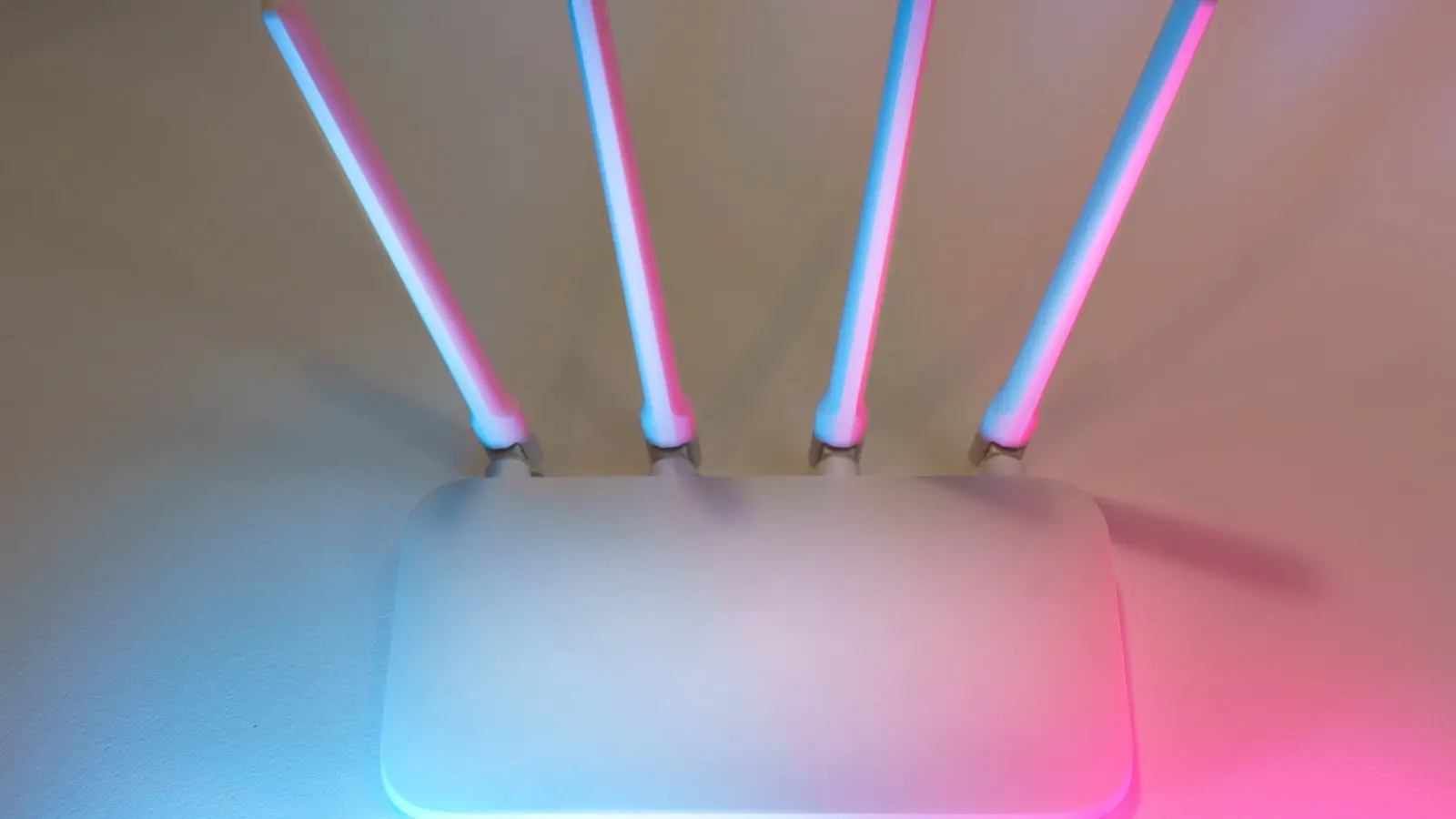

Most home connectivity frustrations stem from physics rather than hardware limitations. When a connection drops during a video call or speeds plummet in the bedroom, the immediate urge is to purchase an expensive mesh system. (Often a waste of money.) Engineers argue that signal saturation and poor physical placement are the primary culprits for domestic network failure. To reclaim lost bandwidth, one must treat the home network as a localized engineering project.
The Geometry of Signal Propagation
Wireless signals are electromagnetic waves that struggle with density. Placing a router inside a metal cabinet or behind a television is effectively killing its broadcast potential. The most immediate performance boost usually comes from elevation and centralization. A router should ideally sit in an open space, raised off the floor, and far removed from major appliances. Microwaves, for instance, operate on the 2.4GHz frequency, creating a literal noise floor that interferes with data packets. Moving the hardware away from these sources often resolves consistent packet loss.
Mastering the Dual-Band Spectrum
Understanding the divide between 2.4GHz and 5GHz is fundamental to network management.
- 2.4GHz: Offers superior range and better wall penetration but suffers from high interference due to legacy devices and neighborhood congestion. Use this for low-bandwidth tasks like smart home sensors.
- 5GHz: Provides significantly higher throughput and speed but is physically limited by range and struggles to penetrate solid materials. Use this for high-demand devices like gaming consoles or streaming boxes.
Assigning static devices to specific bands can reduce airtime contention, ensuring that bandwidth-heavy hardware is not fighting for space with a flickering smart bulb.
Optimizing the Software Layer
Even with perfect physical placement, the network can remain sluggish if the administrative settings are stagnant. The most common oversight is failing to change the wireless channel. In dense living environments, dozens of routers may be broadcasting on the same channel, leading to digital collisions. Accessing the router’s administrative console to perform a site survey—using common analysis apps to find the least crowded channel—can prevent this interference. (It takes ten minutes and costs nothing.)
Additionally, firmware updates remain the most overlooked security and performance maintenance task. Manufacturers push updates specifically to refine radio frequency management and patch stability issues. If the firmware is two years old, the router is effectively running on obsolete logic.
Evaluating the Need for New Hardware
Before spending hundreds of dollars on a high-end mesh system, perform a systematic site survey. Walk through the home with a signal analysis tool to map dead zones precisely. Often, shifting an access point just five feet to the left can clear a brick wall or a metal-heavy obstacle. If the hardware is outdated, ensure the replacement is modern (Wi-Fi 6 or 6E) to take advantage of improved MU-MIMO technology, which manages multiple data streams more efficiently than older hardware. If the existing router is less than five years old, the issue is almost certainly environmental or configuration-based. Do not mistake a crowded channel for a broken radio.