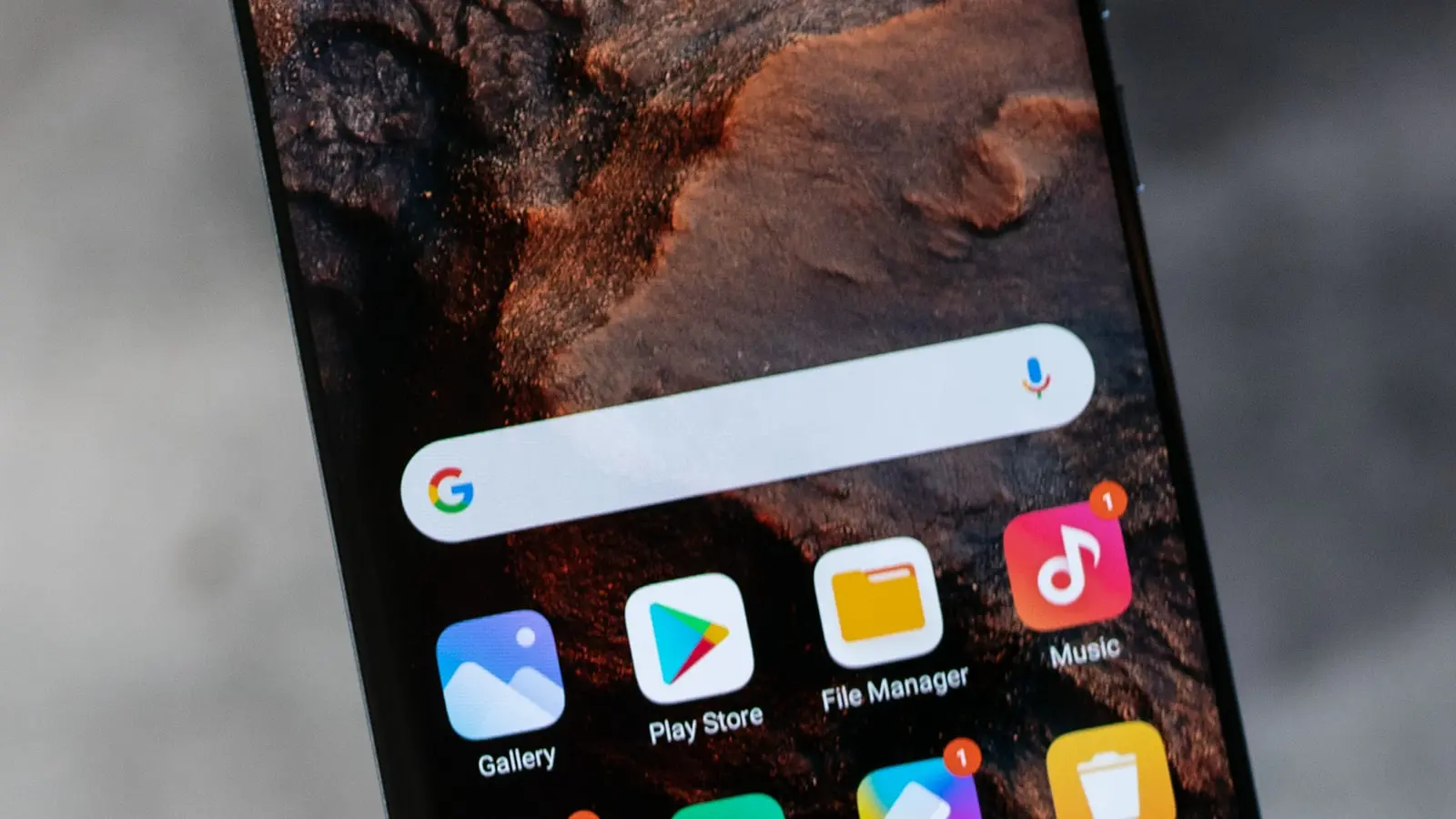

The Google Pixel 10a arrives at a familiar $499 price point, presenting a device built on a foundation of deliberate restraint. In what is arguably the most iterative hardware update in the A-series’ history, Google redirects the definition of progress away from raw specifications and toward software maturity and physical refinement. The central proposition is not a faster chip or a new camera sensor, but a phone that can now function as a desktop computer, fundamentally altering its value calculation.
At its core, the Pixel 10a carries the same processor and camera sensors as its predecessor. The upgrades are found in the chassis and the user experience. The device now boasts an IP68 rating for water and dust resistance, bringing it in line with flagship standards. The front is protected by Corning Gorilla Glass 7i, while the display itself sees a significant jump in performance, now a 120Hz panel with a measured peak brightness of 1,873 nits. This isn’t just a number; it is the functional elimination of direct sunlight as an operational obstacle. New software features, including a generative AI-powered Auto Best Take for photos and Satellite SOS for emergencies, are layered on top of the new Android 16 operating system.
The history of the Pixel A-series is rooted in compromise to achieve a target price. These devices democratized Google’s computational photography, offering near-flagship camera results for a fraction of the cost. The Pixel 10a tests this philosophy. It asks whether a user base conditioned to expect annual silicon upgrades will accept that the most meaningful new feature requires not a new processor, but a new cable and an external monitor. This is Google’s bet on utility over velocity.
Design and Display A Utilitarian Refinement
Physical interaction with the Pixel 10a reveals an obsessive focus on small but meaningful improvements. The most significant change is the camera module, which is now completely flush with the back of the device. The phone sits perfectly flat on a table. There is no wobble. This single adjustment corrects a long-standing annoyance and speaks to a design team focused on practicality. When a device spends half its life on a desk, this detail is not trivial.
The frame is constructed from 100% recycled aluminum with a muted satin finish that resists fingerprints, while the back cover uses 81% recycled plastic. The in-hand feel is secure, though it lacks the cold, premium density of a glass-and-steel flagship. (This is, after all, a $499 device). The upgrade to an IP68 rating is a critical one, providing a level of durability assurance that removes anxiety around rain or accidental spills. It is a feature that provides no daily performance benefit but is invaluable the one time it is needed.
The display is where the upgrade becomes immediately apparent. The move to a 120Hz refresh rate makes every scroll and animation feel fluid, an expected feature in this price tier. The true differentiator is the brightness. Hitting 1,873 nits pushes the 10a into territory occupied by devices costing twice as much. It makes outdoor use, from navigating maps to reading text, an effortless experience.
Performance and Battery Life
The decision to retain the same processor from the previous generation will be the primary point of contention for spec-focused critics. It is a calculated trade-off. By avoiding the cost of a new chipset, Google was able to allocate budget toward the superior display, improved durability, and R&D for its new desktop mode. For the vast majority of tasks—web browsing, social media, content streaming, and even casual gaming—the processor remains more than adequate. The performance ceiling has not been raised. The question is whether it needed to be.
Real-world performance is smooth. The interface is responsive, and apps open without significant delay. The true test comes when pushing the device in its new desktop environment, where thermal management becomes critical. The system is designed to handle a few applications running simultaneously on an external display, but it is not a replacement for a dedicated laptop for heavy multitasking. It is a tool for productivity in bursts.
Battery life is a clear beneficiary of this strategy. Without the power demands of a next-generation processor, the Pixel 10a delivers over 30 hours of mixed-use battery life on a single charge. This is a legitimate two-day device for many users. The inclusion of Extreme Battery Saver, which promises up to 120 hours of standby time and essential functions, remains a useful safety net for travel or emergencies. The phone simply lasts.
Camera System Software is the Sensor
Google’s confidence in its software is on full display with the camera system. By using the exact same hardware as the previous model—including the 13MP front-facing camera—the company is stating that its computational backend is where the magic happens. Results are, predictably, excellent for the price. Photos are sharp, with the characteristic Pixel contrast and color science.
The standout new feature is Auto Best Take. This is more than a simple burst mode selection tool. The feature uses generative AI to analyze a series of group photos, identifying and swapping individual faces to create a composite image where everyone is smiling with their eyes open. (The ethics of a photograph that never truly happened are a separate discussion). In practice, it works surprisingly well, salvaging family photos that would otherwise be deleted. It is a powerful demonstration of on-device AI processing.
The wider field of view on the front camera is a small but welcome hardware tweak, making it easier to fit more people or background into a shot. Ultimately, the Pixel 10a camera is not an upgrade for existing Pixel owners. It is, however, a system that continues to punch well above its weight, delivering a level of reliability and image quality that competitors struggle to match without more expensive hardware.
The Android 16 Desktop Mode
The single most compelling reason to purchase the Pixel 10a is its support for Android 16’s native desktop mode. This feature transforms the device from a content consumption tool into a light productivity workstation. By connecting the phone to an external monitor via its USB-C port, users are presented with a windowed, desktop-like interface. It is a direct challenge to entry-level laptops and Chromebooks.
The implementation is straightforward. Users can run multiple apps in movable, resizable windows, use a keyboard and mouse for input, and manage files with a familiar drag-and-drop interface. For students writing papers, professionals answering emails and editing documents on the go, or users who simply want a large-screen experience at home without buying another computer, this is a revolutionary feature at this price point. The performance is adequate for these tasks, though pushing it with video editing or dozens of browser tabs will reveal the limitations of the mid-range processor.
Adding to the software value is the inclusion of Satellite SOS. Previously a premium-tier feature, its arrival in the A-series provides a critical safety line for users who venture into areas without cellular coverage. It is another example of Google prioritizing practical, impactful features over incremental spec bumps.
Verdict A New Definition of Value
The Google Pixel 10a is a statement of intent. It argues that the most important upgrades are not always measured in gigahertz or megapixels, but in capability. By strategically reusing core components, Google has delivered a $499 device with a flagship-class display, robust IP68 durability, and a desktop mode that fundamentally changes what a mid-range phone can be.
This is not the phone for those who demand the absolute latest silicon. It is for the pragmatic user who values all-day battery life, a reliable camera, and software that adds tangible new functionality long after the device is unboxed. The Pixel 10a isn’t better because it’s faster; it’s better because it’s smarter and more versatile. It is the most compelling smartphone available for under $500.