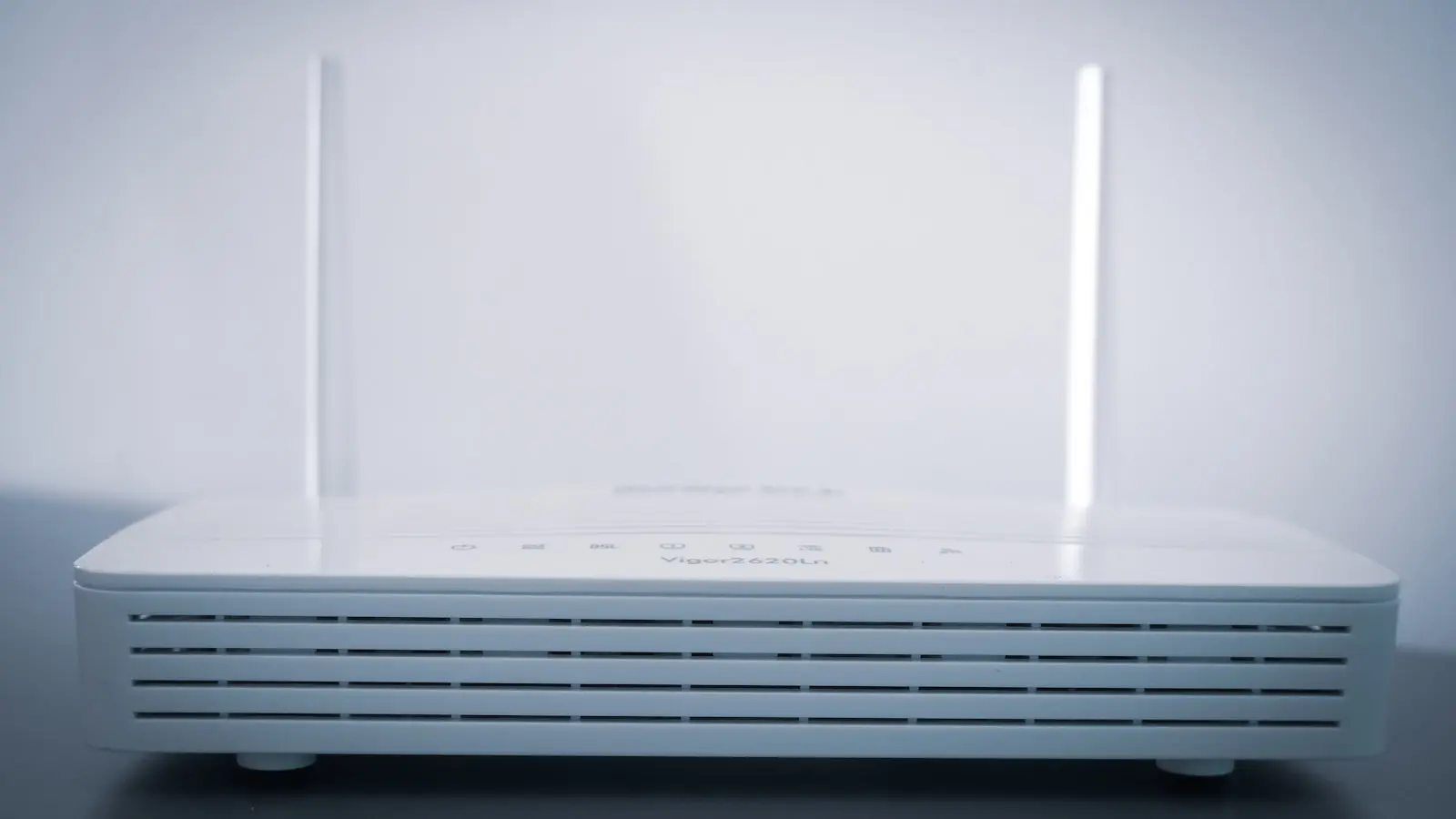

The Anatomy of a Weak Signal
Most residential networking frustrations stem from a fundamental mismatch between ISP-provided hardware and modern building architecture. When users experience dead zones, the default reaction is to purchase range extenders. This is frequently a mistake. Physical obstacles such as concrete, metal appliances, and dense cabinetry act as kinetic barriers to 5GHz radio waves. Because 5GHz signals provide higher throughput but possess 50 percent less range than their 2.4GHz counterparts, the modern multi-room home often finds itself fighting physics rather than configuration (it is a losing battle).
Why Your Current Setup Struggles
Modern homes are crowded with smart devices. Each bulb, camera, and sensor competes for bandwidth on a single channel. When neighbors do the same, the 2.4GHz spectrum becomes a digital traffic jam. The standard modem-router provided by ISPs is rarely tuned for this density. It is built for minimum cost, not maximum coverage. Consequently, the signal throttles or drops entirely as soon as a user walks behind a load-bearing wall. These are the “dead zones” that plague everyday browsing.
The Cost of the Wrong Solution
Extenders are often the primary culprit for sluggish performance. They operate on a half-duplex basis, meaning they can either send or receive data, but never both simultaneously. Installing an extender effectively cuts your available bandwidth in half. It keeps the connection active, but it ensures that connection is perpetually slow. If the goal is high-performance streaming or gaming, an extender is a bottleneck, not a bridge.
The Diagnostic Approach
Before spending capital on new hardware, map the environment. Heat-mapping applications transform a smartphone into a diagnostic tool. By walking through the home, these apps visualize signal strength across rooms, exposing the exact boundaries where walls or interference degrade the link. This data is the only way to avoid blind hardware deployment. If the map shows a sudden drop-off near the kitchen, moving a large metal appliance is far cheaper than buying a mesh node.
Tactical Adjustments for Better Coverage
-
Elevation and Placement: Radio waves propagate in a spherical pattern, but structural interference causes them to behave more like water. Placing a router inside a low-sitting media cabinet (the common “hidden” approach) is suicide for signal integrity. Moving the unit to a central, elevated location can resolve 80 percent of connectivity issues without adding a single wire or device to the network.
-
Frequency Management: Understand the limitations of your hardware. If you are far from the router, forcing a device onto 5GHz will cause dropouts. While 2.4GHz is prone to interference, its ability to penetrate solid objects makes it the only viable choice for distant rooms.
-
Mesh vs Extenders: For homes exceeding 1,500 square feet, standard routers hit their physical limit. If a central, elevated position fails to cover the floor plan, move to a tri-band Wi-Fi 6 or 7 mesh system. Unlike extenders, a true mesh system uses a dedicated backhaul radio to communicate between nodes, preventing the bandwidth-halving trap.
When to Spend Money
Investment should only occur after diagnostic mapping confirms the signal cannot penetrate the physical layout of the home. Consumers frequently pay for high-speed internet tiers that their hardware cannot deliver to their couches. If the modem-router combo is the weak link, the ISP’s advertised speeds are irrelevant. Prioritize a modular mesh architecture over a singular, powerful unit. It is the difference between a loud broadcast in one room and a consistent, quiet signal in every room.