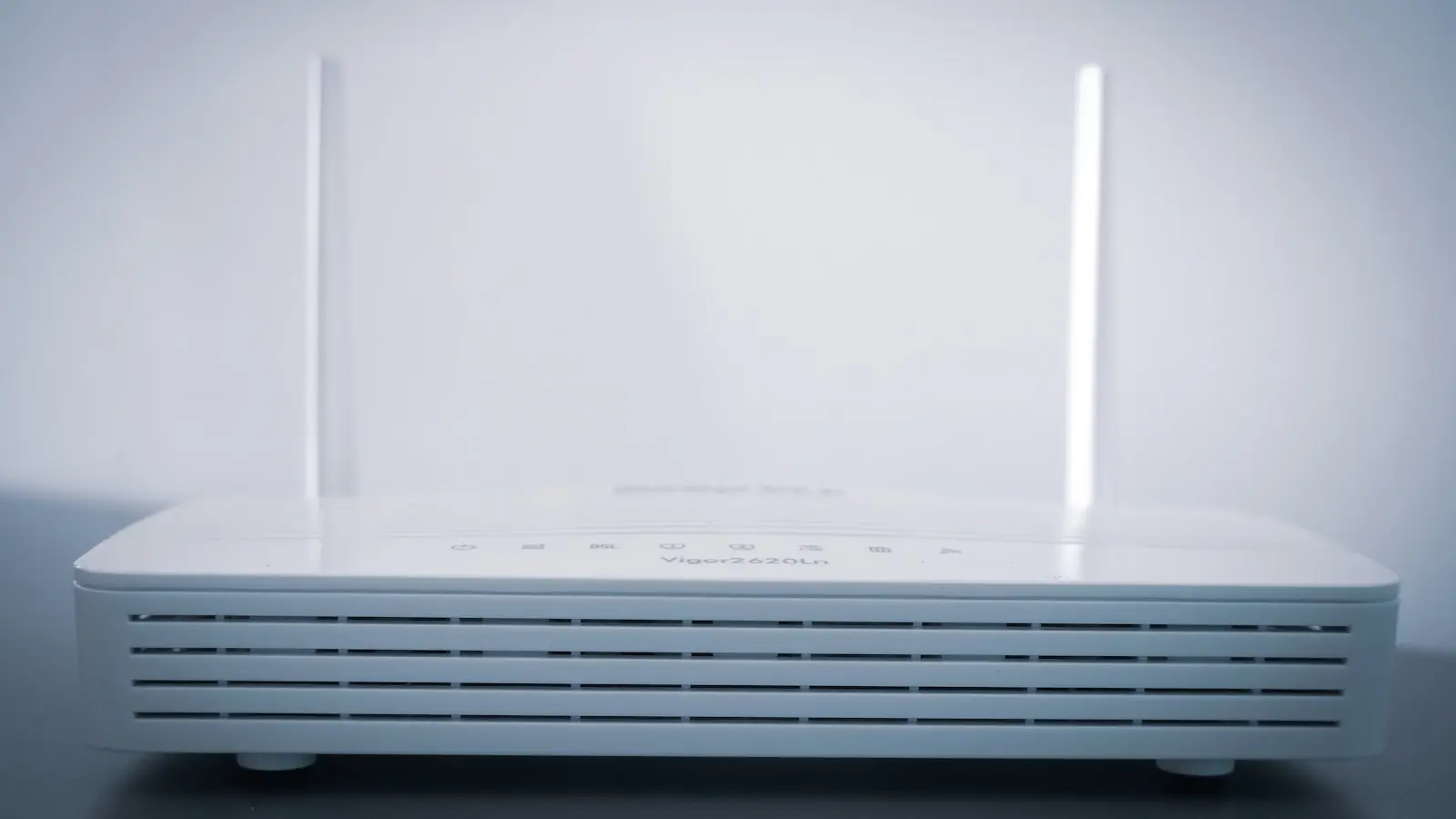

Most home users operate under the false assumption that a higher-tier ISP subscription equals better performance. This is rarely the truth. When a connection stutters during a high-stakes gaming session or a critical video call, the problem rarely lies with the service provider’s fiber optic line. It lies within the physical bottleneck created by the router itself. (Often a budget device provided by the ISP). These units are configured for general internet browsing, not for the granular, real-time demands of modern streaming or low-latency gaming.
The Firmware Bottleneck
The first step toward network stability is the most overlooked: firmware maintenance. Manufacturers release updates to patch security vulnerabilities and, more importantly, to refine the routing algorithms that manage packet traffic. An outdated router is essentially a machine running unoptimized software from its release date. Check the manufacturer’s portal or the router’s internal web interface immediately. If the device has not received an update in more than six months, the hardware is a liability. (It is time to consider an upgrade).
Quality of Service Implementation
Factory-default routers treat all data packets as equals. A background cloud backup of a photo library receives the same priority as a live gaming packet. This results in the “bufferbloat” phenomenon, where the network queue overflows, causing massive latency spikes. Quality of Service (QoS) settings exist to solve this. By manually assigning higher priority to gaming traffic or specific local IP addresses, the router ensures that sensitive packets bypass the congested queue. Do not trust the “auto” settings found in entry-level hardware. Define the limits manually to reflect the actual bandwidth available on the network.
Frequency Congestion Management
The 2.4GHz Wi-Fi band is effectively a highway during rush hour. It is overcrowded, subject to interference from household appliances like microwaves, and limited by narrow channels. For any device requiring stable, low-latency performance, the 2.4GHz band is obsolete. Transitioning traffic to the 5GHz or 6GHz bands is the most effective way to reduce packet loss. The 5GHz and 6GHz bands offer significantly wider channels and less interference, providing the clean airwaves necessary for high-speed data transmission.
Scaling Coverage
Physics cannot be negotiated. Wi-Fi signals degrade significantly when forced to travel through walls, ceilings, or furniture. For residential spaces exceeding 2,000 square feet, relying on a single, centrally located router is a failing strategy. Signal strength drops, and the router increases transmission power to compensate, creating more noise and interference. A mesh Wi-Fi system effectively solves this by creating a distributed network of nodes, ensuring a strong, localized signal for every device.
Hardware vs ISP Bandwidth
Industry analysts consistently point to a common consumer mistake: paying for gigabit internet speeds while using hardware incapable of processing that throughput. If a router’s processor cannot manage the packet headers fast enough, the gigabit connection is effectively throttled. Investing in high-quality networking hardware—specifically routers with multi-core processors and support for the latest Wi-Fi standards—yields better real-world performance than moving from a 500Mbps plan to a 1Gbps plan with the same aging router. (Stop paying for speed you cannot actually use). Optimizing a home network is not about throwing money at the ISP. It is about understanding the hardware limitations within the four walls of the residence.