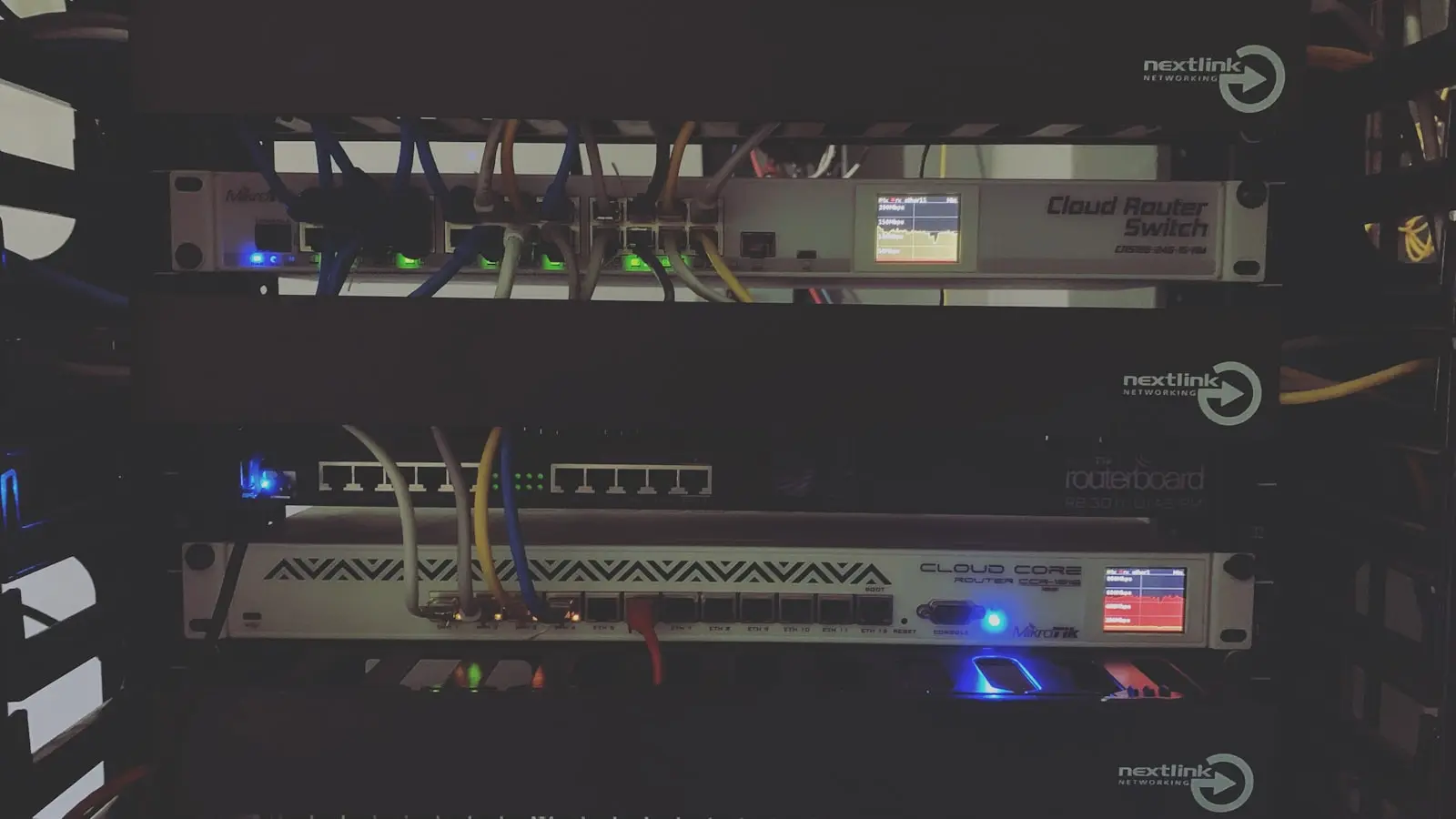

Modern residential networking is currently facing a silent crisis of capacity. As households transition from simple browsing to concurrent 4K streaming and high-bandwidth gaming, legacy hardware installed just three years ago is buckling under the pressure. The performance degradation felt by users is rarely a singular failure; it is usually a compounding result of signal interference, outdated firmware, and unmanaged device overhead. (Is your router actually holding you back? Almost certainly.)
Establishing a Performance Baseline
The first step to fixing a network is removing the variables. Troubleshooting must begin with the modem or router power-cycle. While often dismissed as a mundane IT trope, this clears temporary memory leaks that degrade throughput. Once the hardware is back online, the most critical diagnostic step is the wired Ethernet test. If the speed delivered via a physical cable to a workstation matches the ISP’s promised tier, the latency issue is strictly isolated to the wireless environment. If the wired connection also lags, the burden of proof shifts to the ISP.
The Interference Problem
Wireless congestion is the primary antagonist in residential networks. The 2.4GHz band is historically over-saturated, carrying signals from neighbors, smart home devices, and even microwave ovens. This density turns data packets into a traffic jam.
- 2.4GHz Band: High range, low speed, massive interference risk.
- 5GHz Band: Moderate range, high speed, ideal for media streaming.
- 6GHz Band: Short range, ultra-high speed, requires Wi-Fi 6E or 7 compatible hardware.
Switching to 5GHz or 6GHz bands can improve raw throughput by up to 50% in high-density environments. This shift effectively clears the lane for high-priority traffic like video conferencing or gaming sessions. (Do not rely on auto-channel selection; it often picks the path of least resistance rather than the path of highest performance.)
Addressing Security and Bandwidth Drain
Performance is not just about signal quality; it is about network hygiene. Cybersecurity experts emphasize that outdated protocols like WPA2 are not just security risks—they are administrative vulnerabilities that allow unauthorized devices to leech bandwidth.
The Security-Performance Connection
- Protocol Upgrades: Transitioning to WPA3 encryption ensures the network is hardened against modern brute-force attacks while potentially optimizing how devices authenticate.
- Unauthorized Traffic: Rogue devices or background syncing processes (often overlooked) consume significant bandwidth without user consent. Regular audits of the connected device list via the router admin panel are mandatory.
- Firmware Integrity: Router manufacturers issue firmware updates that specifically target internal efficiency and bug fixes. Running an outdated OS on a router is equivalent to ignoring a flat tire on a vehicle. It will continue to move, but the drag will be severe.
The Reality of Hardware Obsolescence
If the infrastructure is aging, no amount of software optimization will bridge the gap. Modern smart homes often juggle 20 to 50 active devices simultaneously. Legacy routers lack the processing power (the CPU inside the plastic box is struggling) to manage these concurrent streams. When the hardware’s internal packet-switching capacity is reached, latency spikes and jitter become unavoidable. If the hardware predates Wi-Fi 6, the overhead of modern traffic is likely beyond its architectural ceiling. Replacing such hardware is not an expense—it is a restoration of functionality.