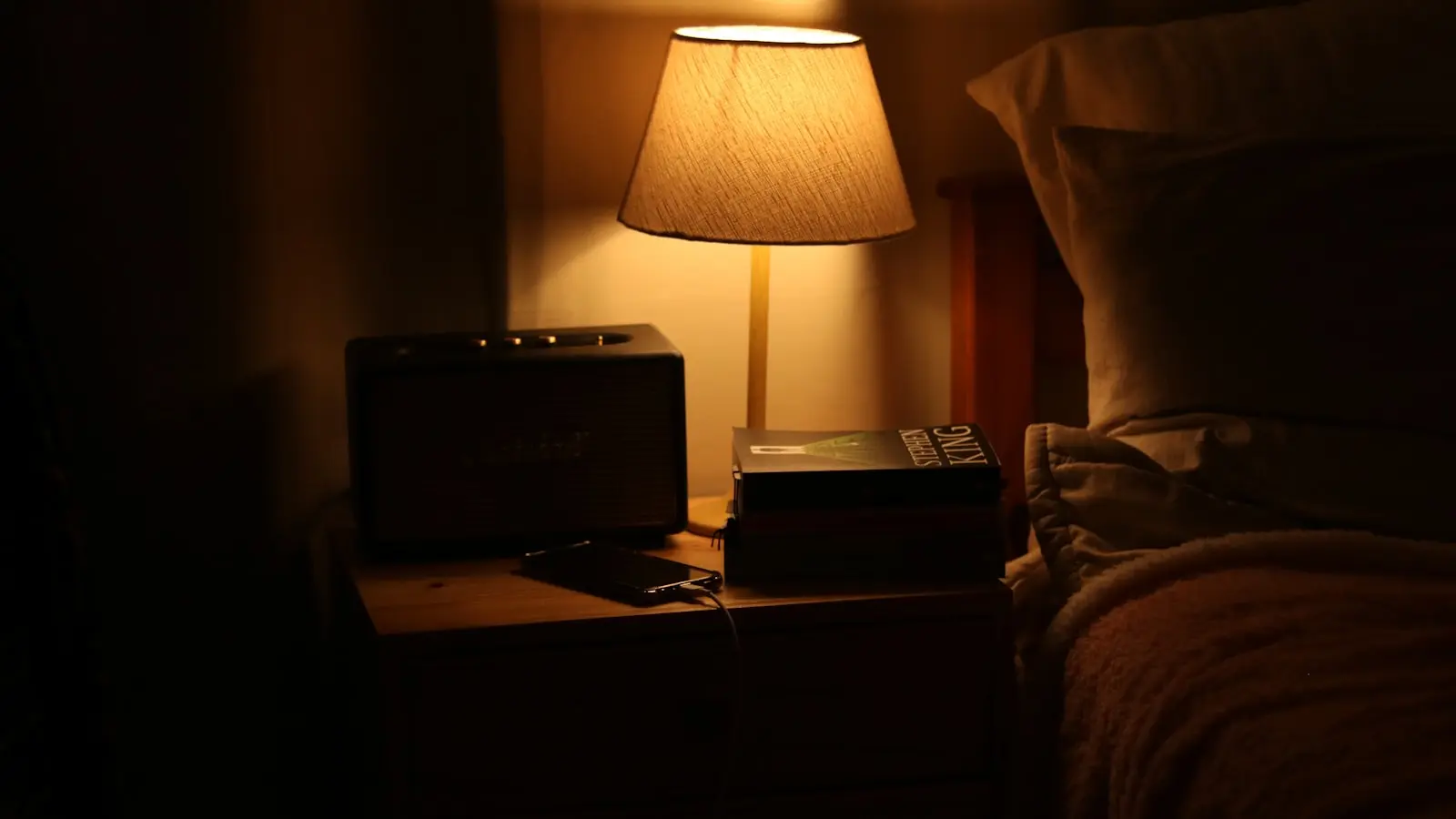
For most readers, the best e-reader for bed is a front-lit E Ink model with a wide dimming range, adjustable warm light, and a body you can hold comfortably while lying down. The current Kindle Paperwhite is the strongest all-around pick for many people, but a Kobo or Boox device can make more sense depending on your library, store, and button preferences.
Key Takeaways
- Front-lit E Ink screens reduce glare in a dark bedroom, while backlit tablets cast more light into the room and can feel harsher at night.
- Look for a low minimum brightness, warm-light adjustment, and dark mode, not just a high maximum brightness.
- Weight, grip, and physical page-turn buttons matter more for side-lying and one-hand reading than raw screen resolution.
- Choose an ecosystem based on where you buy or borrow e-books; Kindle, Kobo, and Boox each have different trade-offs.
- If you are using a phone or tablet now, dark mode, a warm tint, Do Not Disturb, and airplane mode can make it more comfortable before you buy a dedicated reader.
1. Why Bedtime Reading Needs a Dedicated E-Reader
A tablet screen is backlit: the light source sits behind the display and shines toward your eyes. An E Ink reader uses a front light with a light guide that sends light down onto the electronic-paper screen and then back to your eyes. In a dark bedroom, that difference matters. Front-lit E Ink tends to produce less glare and can feel closer to a lamp-lit page, while a backlit tablet often looks like a glowing rectangle.
The dimming range matters too. Many phones and tablets have a surprisingly high minimum brightness, even at the lowest setting. An e-reader can drop the front light low enough for a pitch-black room without flooding the space with white light. That is helpful if you read beside a partner who is trying to sleep.
A dedicated e-reader also removes the temptation to switch apps. Most models have no social feeds, news alerts, or autoplay videos waiting on the lock screen. You can still check your phone afterward, but a single-purpose device makes it easier to close the book when your eyes get heavy.
Size and weight are the next practical test. A 6- to 7-inch e-reader is easier to hold in one hand than a 10-inch tablet. Lighter devices reduce arm fatigue and the awkward moment when a book falls on your face as you doze off. For reading at night without eye strain, the front-lit E Ink screen is usually the right starting point.
2. What to Look For in an E-Reader for Bed
Before comparing models, focus on the settings you will actually use in the dark. The lowest front-light setting matters more than the maximum. Check whether the model has a warm light that shifts the screen toward amber, and whether it offers dark mode with white text on a black background. Both features reduce perceived brightness, but not every budget model includes both.
Physical comfort depends on weight, dimensions, grip, and button placement. A narrow bezel and a soft-touch back help. Some readers prefer physical page-turn buttons because they can hold the device with one hand while side-lying. On a touch-only model, reaching across the screen with your thumb can get tiring after a few chapters.
Battery life is usually quoted in weeks, but that assumes moderate reading with the front light off or set low. If you read every night with the front light and Wi-Fi enabled, expect the battery to drain faster. Still, most current e-readers last far longer than a phone or tablet on a single charge. That is the main appeal of an e-reader battery comparison: a front-lit E Ink device uses less power than a backlit tablet.
Storage is rarely a problem for text-heavy novels. 16 GB can hold thousands of e-books. If you plan to load audiobooks or color comics, 32 GB is safer. Water resistance ratings such as IPX8 are useful for bathtub reading, but not essential for a nightstand.
Finally, think about lock-in. The store you buy from shapes whether you can move your library to another device later. DRM, file format support, and built-in library borrowing are all part of that decision. When you compare the best ebook reader for bedroom use, the model with the brightest display is not automatically the winner; the one that matches your buying habits should win.
A sleep cover, magnetic stand, or Bluetooth page-turn remote can also make late-night reading easier, but those extras should not be the first feature you optimize for.
3. Best E-Readers for Bed: Current Models to Compare
Current models to compare include the Kindle Paperwhite, the entry-level Kindle, the Kindle Colorsoft, the Kobo Clara Colour, the Kobo Libra Colour, Boox Android E Ink devices, and the Nook GlowLight 4 if it is still available in your region.
The Kindle Paperwhite remains the default pick for most readers. It has a 7-inch glare-free E Ink display, adjustable warm light, dark mode, water resistance, and long battery life. The Paperwhite Signature Edition adds an auto-adjusting front light, wireless charging, and 32 GB of storage. The auto light is convenient, but not essential; if you are comfortable setting brightness manually, the standard model is enough.
The entry-level Kindle is lighter and more compact, which appeals if you want a smaller body for one-hand reading. Before buying, confirm that the current entry model includes warm light; not every low-cost Kindle has offered it. It is also the most affordable way to test whether you actually like reading on E Ink.
The Kindle Colorsoft is the color option. It handles book covers and comics more like a tablet, but color E Ink is still newer than monochrome E Ink, and the color layer may make text look slightly less crisp than on a monochrome panel. For pure bedtime fiction, a monochrome screen is usually the safer choice.
On the Kobo side, the Kobo Clara Colour is a compact 6-inch color e-reader with OverDrive/Libby support and a simpler storefront. It fits well on a nightstand and suits readers who borrow e-books from public libraries. The Kobo Libra Colour has a 7-inch color screen and physical page-turn buttons. Those buttons are a real plus for side-lying reading because you do not have to adjust your grip to tap the screen.
For readers who want Android app access, the Boox Palma is a pocket-sized E Ink device that can run Kindle, Kobo, Libby, and other reading apps. The Boox Page is a larger Android E Ink reader with buttons. This flexibility is valuable if you have books spread across several stores, but the interface is less turnkey, and Android E Ink devices tend to use more battery than a locked-down Kindle or Kobo.
The Nook GlowLight 4 is worth checking if physical buttons and a simple reading interface matter more than a giant catalog. Barnes & Noble’s ecosystem is smaller, and current availability varies, so check whether the model is still being sold in your region before making a decision.
4. Kindle vs. Kobo vs. Boox: Which Ecosystem Fits Bedside Reading?
Amazon’s Kindle ecosystem has the largest store and the most convenient sync. In the United States, library e-books borrowed through Libby can often be sent directly to a Kindle. The main downside is that Kindle purchases use Amazon’s DRM, which makes it hard to move them to a non-Amazon device later. Also, the cheaper Kindle models may show lockscreen ads unless you pay to remove them.
Kobo uses EPUB and has built-in OverDrive/Libby support in many regions. That makes it a strong choice for library readers and for people who want to avoid Amazon. The store may have fewer titles, especially in niche areas, and library integration depends on your country and library system.
Boox runs Android, so you can load multiple store apps on one device. That is convenient for maintaining a mixed library, but it also means more menus, settings, and accounts. If you value simplicity, Boox can feel less restful than a device designed only for reading.
There is no single correct ecosystem. The best e-reader for bed matches the way you already buy and borrow books. If most of your books are from Amazon, a Kindle is the friction-free choice. If you use public library apps and want an open EPUB workflow, Kobo is often better. If you cannot decide, an Android-based Boox device lets you keep your options open, but you trade simplicity for flexibility.
5. Reading in Bed With the Device You Already Own
If you are not ready to buy a dedicated e-reader, the Kindle and Kobo apps can make a phone or tablet more comfortable at night. Turn on dark mode, lower the brightness, and use the app’s warm tint setting. If your phone has a scheduled night light, set it before you get into bed. The goal is to reduce the screen’s dominance in a dark room.
Turn on Do Not Disturb or use airplane mode. A text message or push notification can interrupt the winding-down feeling and send you into another app. You can also set the whole phone to grayscale to reduce visual noise.
Consider a holder arm or a small physical book light. A holder arm keeps the device above your face so you do not have to hold it, and a book light can be softer than a screen when your partner is already asleep. This app-based setup is a valid stopgap, but it will drain battery faster and usually cast more light in the room than a front-lit E Ink reader. That is the clearest e-reader vs tablet in a dark bedroom trade-off: the tablet can be made warmer and dimmer, but it still lacks the paper-like reflection and quiet single-purpose nature of E Ink.
6. Frequently Asked Questions
Is a tablet okay for reading in bed, or should I buy an e-reader?
A tablet is okay if you keep the brightness low, enable dark mode, and put it in Do Not Disturb. It may cause more eye fatigue for some people, and its backlight is harder to hide in a shared bed. A front-lit E Ink reader solves those specific problems and lasts much longer between charges.
Does an e-reader’s warm light actually help you sleep?
The evidence on screen color and sleep is not a simple cause-and-effect story. Bright screens can be stimulating, and warm light may feel less harsh, but the bigger sleep problem is usually a device that keeps pulling you into another task. An e-reader’s front light helps by being dimmable and distraction-free, not by acting as a sleep aid.
Which is better for bedtime reading: Kindle Paperwhite or Kobo?
For most people, the Kindle Paperwhite is the better default because of its store, sync, and strong feature set. The Kobo Clara Colour or Libra Colour is better if you depend on OverDrive/Libby, want EPUB-native support, or prefer physical page-turn buttons. The right choice depends on where your books come from and how you like to hold the device.